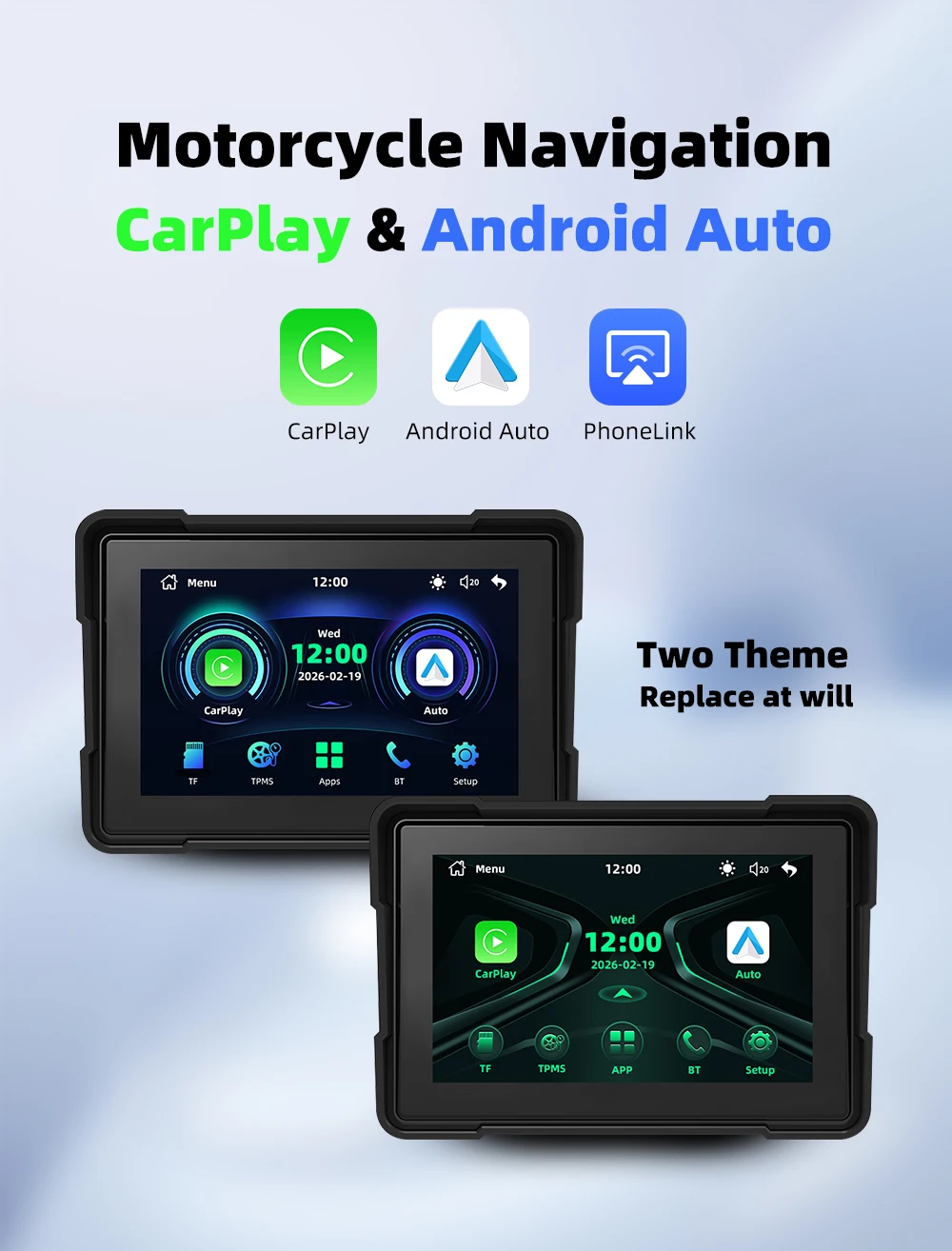
EKIY 5.0 inch Wireless CarPlay Moto Android Auto Portable Digital Motorcycle Dashboard GPS Navigation Display Screen Monitor


EKIY 5.0 inch Wireless CarPlay Moto Android Auto Portable Digital Motorcycle Dashboard GPS Navigation Display Screen Monitor
SPECIFICATIONS
Brand Name: EKIY
Choice: yes
Feature: Portable Digital Motorcycle Dashboard
Function: Wireless CarPlay Moto Android Auto
High-concerned chemical: None
Material: Plastic & Alloy
Max External Memory: 64G
Origin: Mainland China
Practicality: Motorcycle GPS Navigation Screen
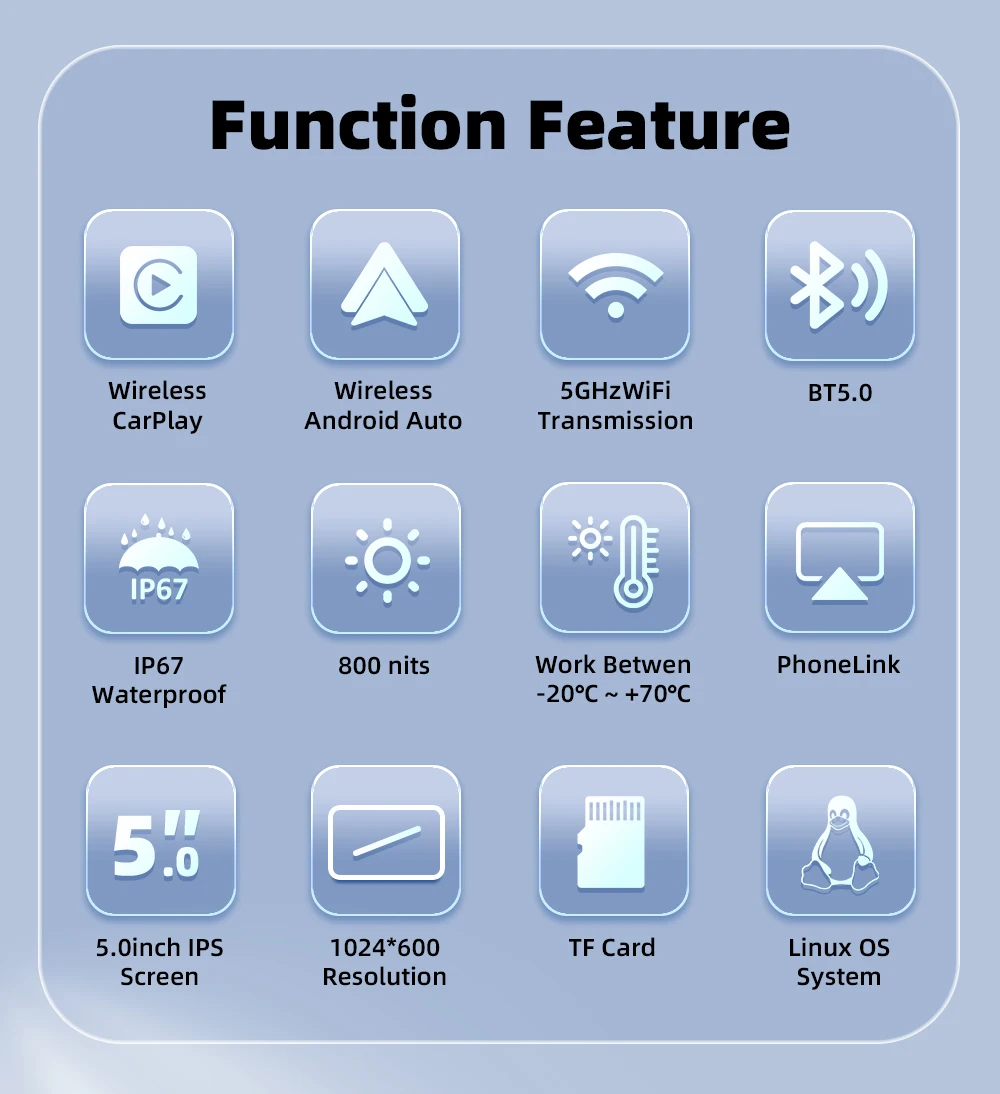
Resolution: 1024*600
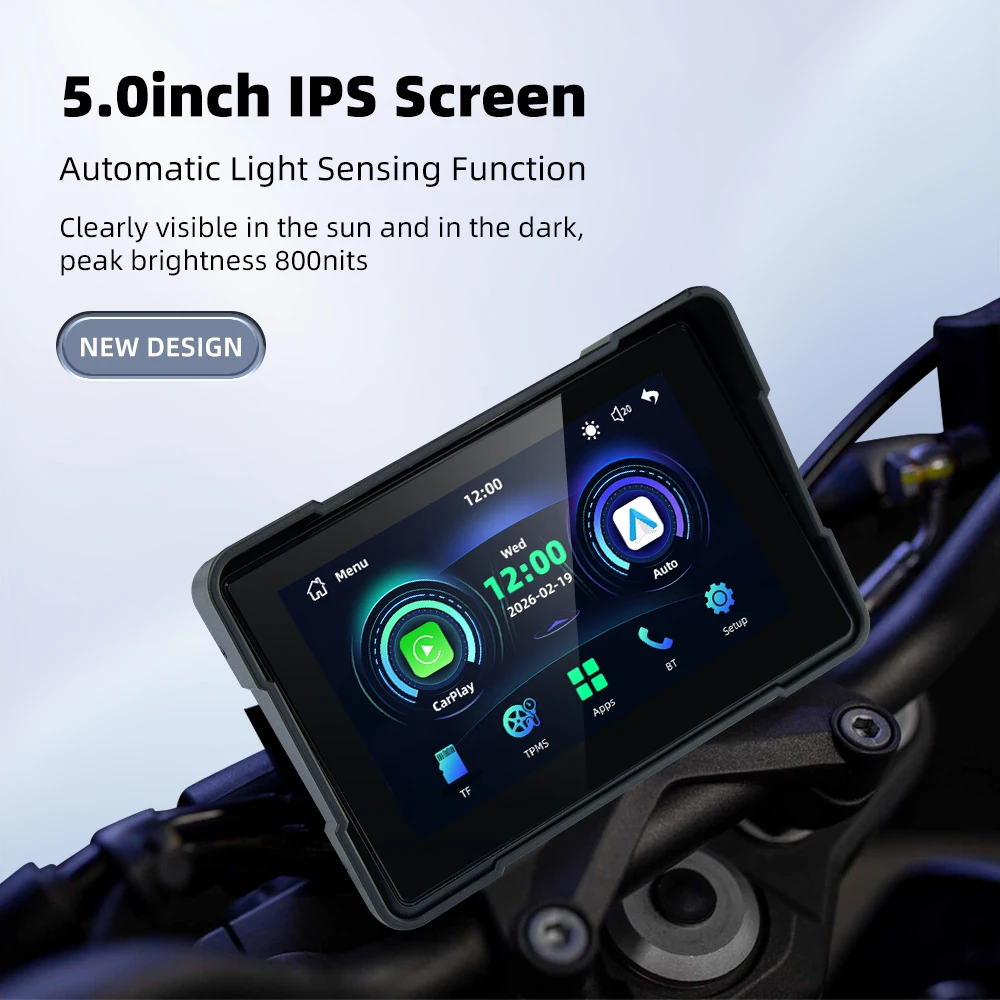
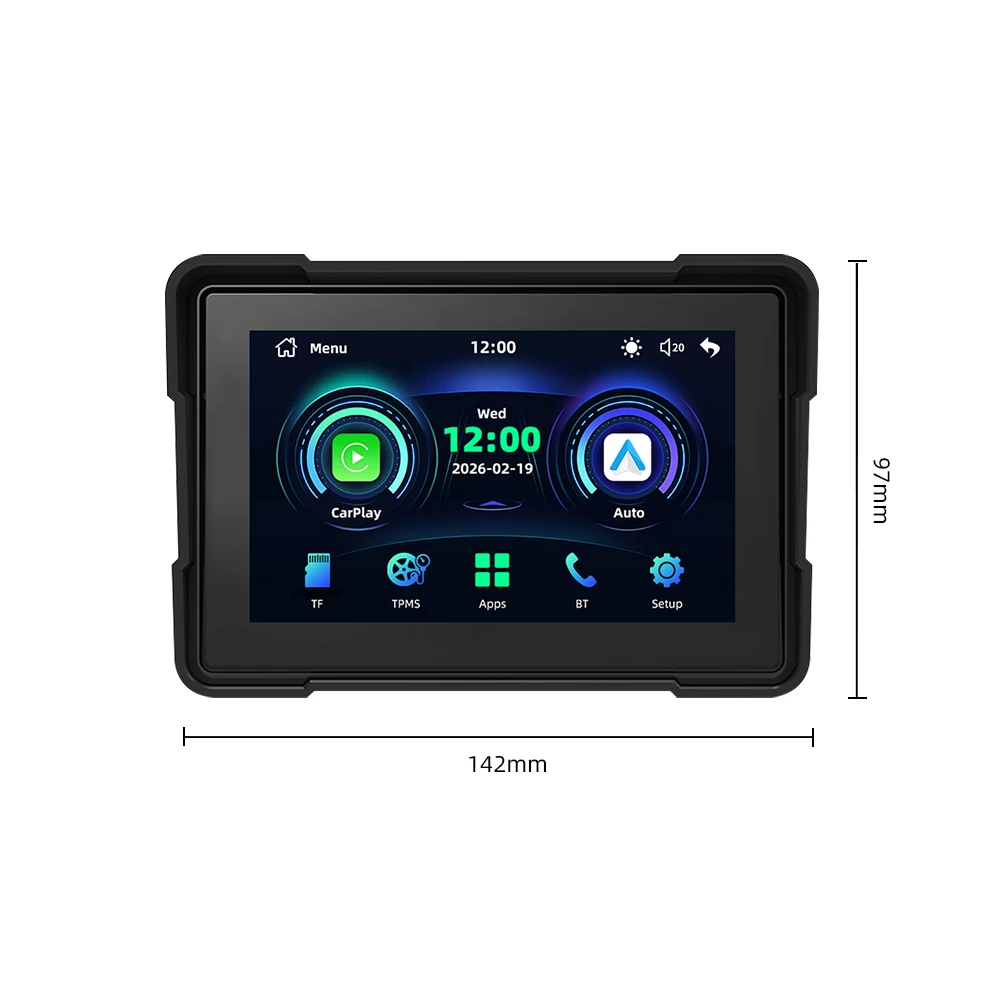
Screen Size: 5inch
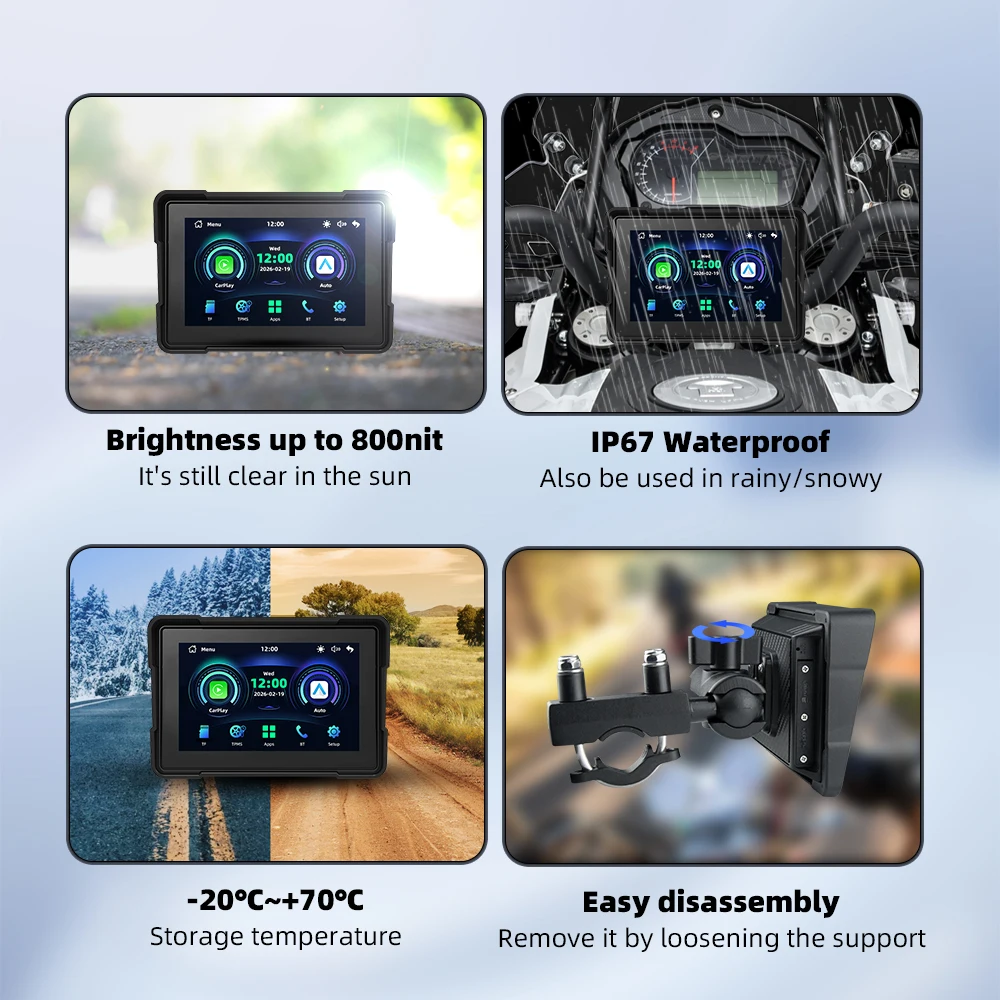
Waterproof Level: IPX7
EKIY 5.0 inch Wireless CarPlay Moto Android Auto Portable Digital Motorcycle Dashboard GPS Navigation Display Screen Monitor
Product features
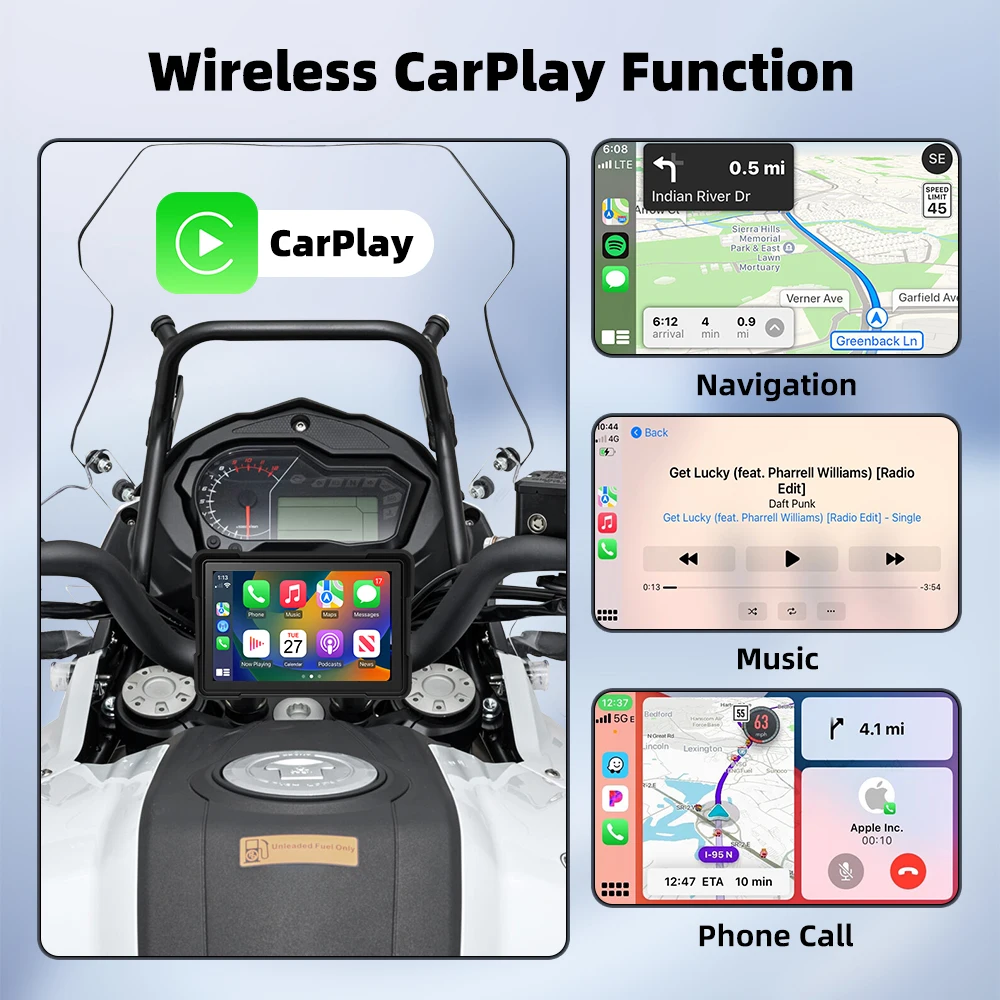
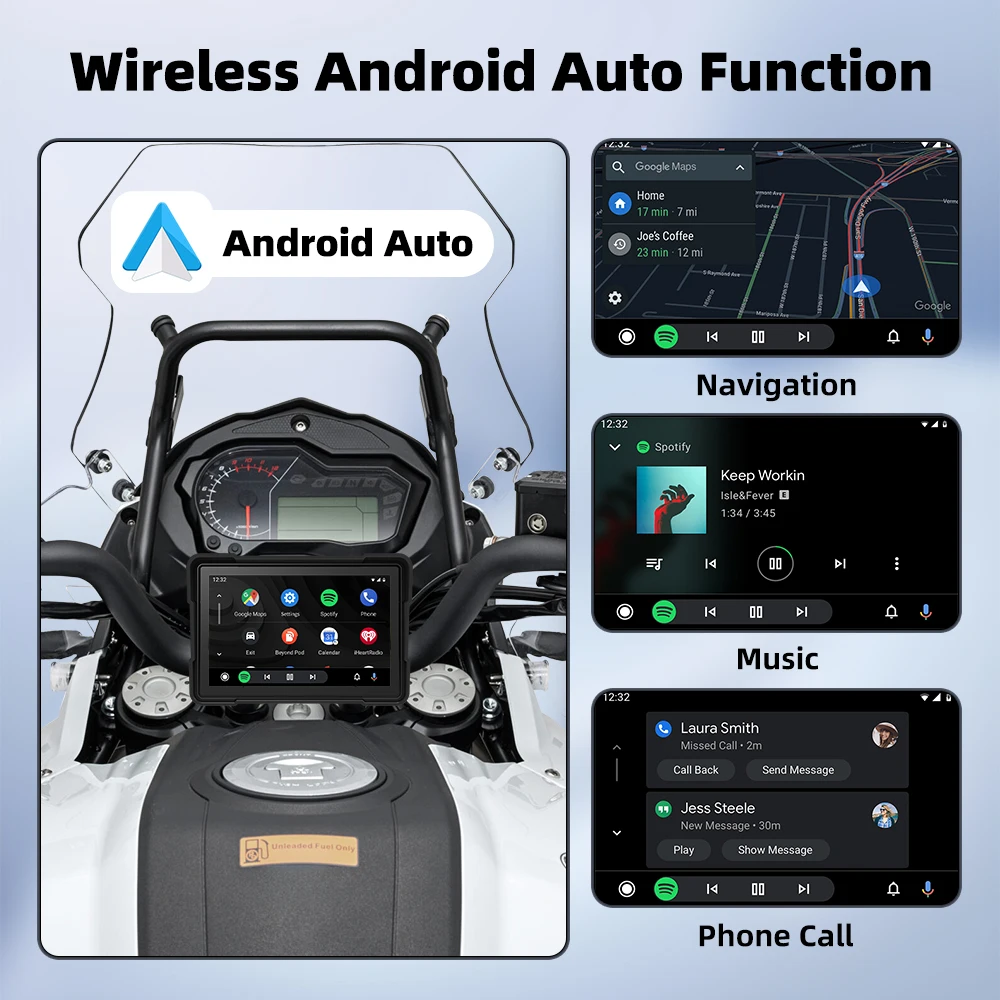
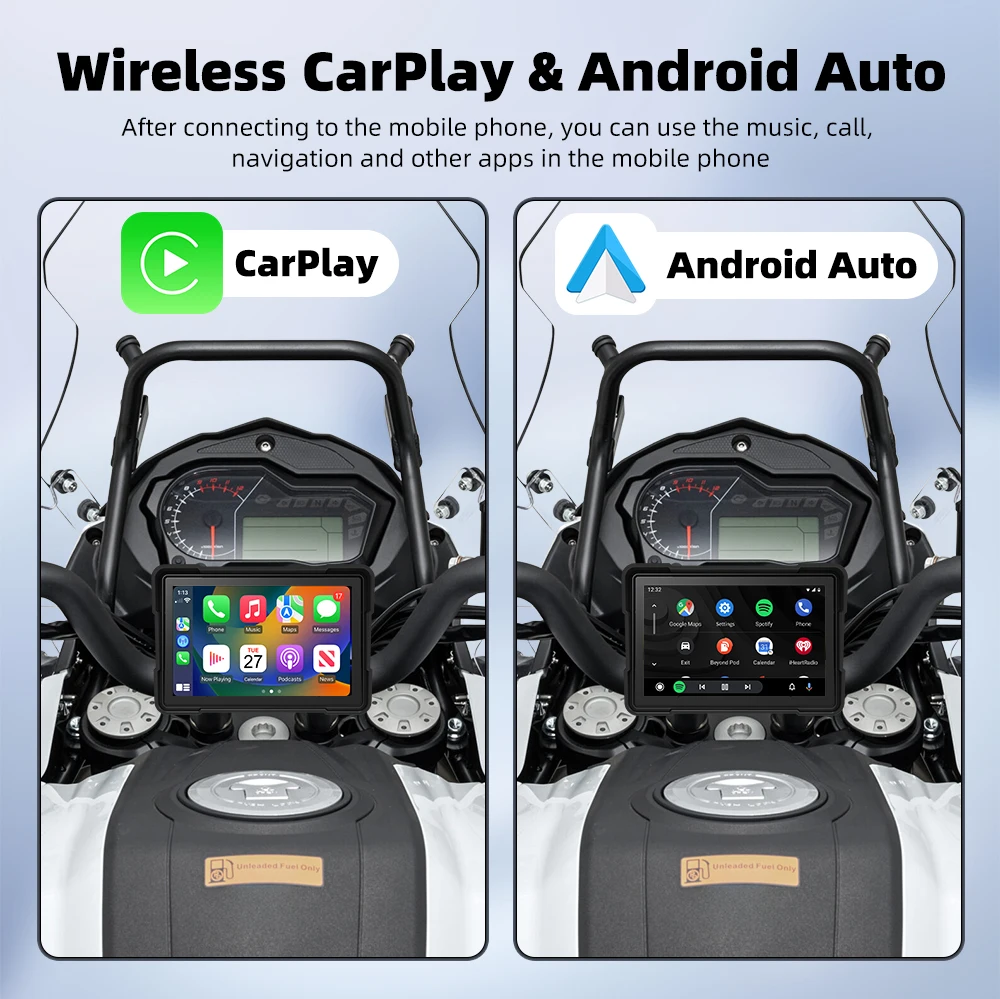
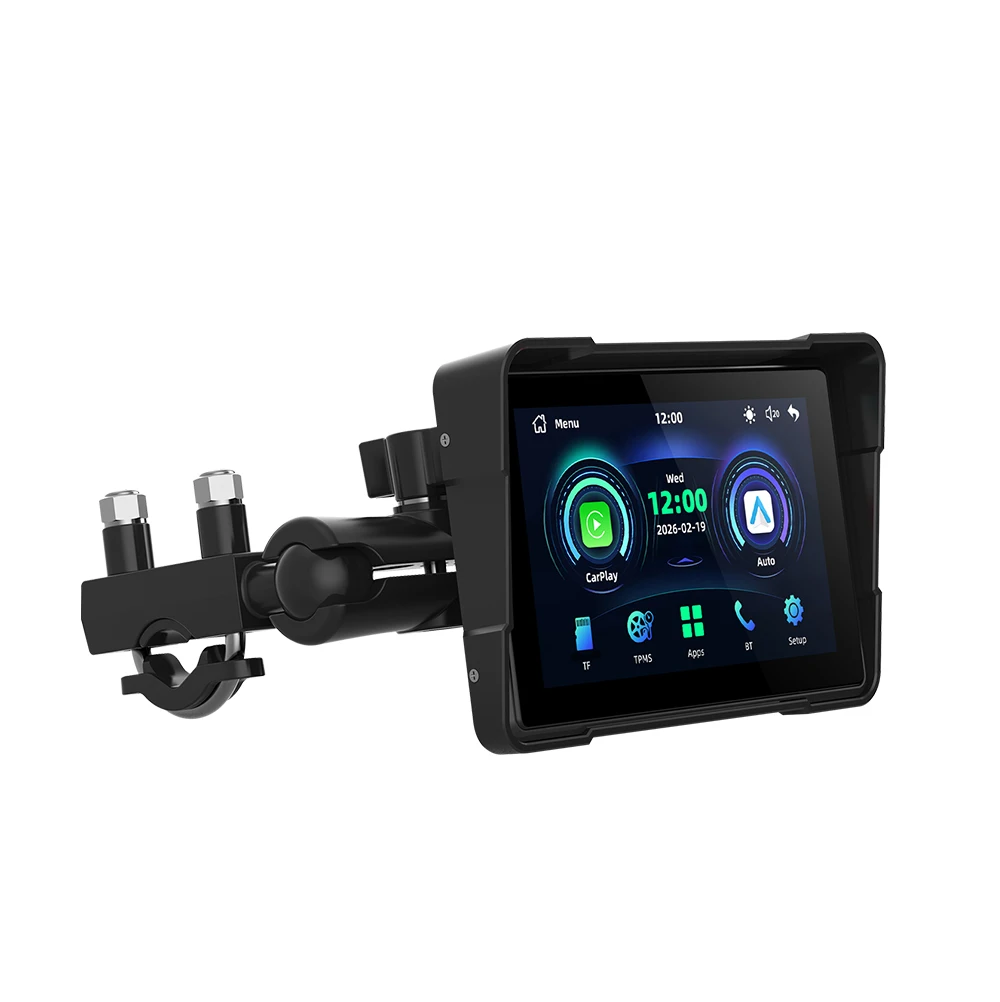
Support : Supports Wireless CarPlay and Wireless Android auto
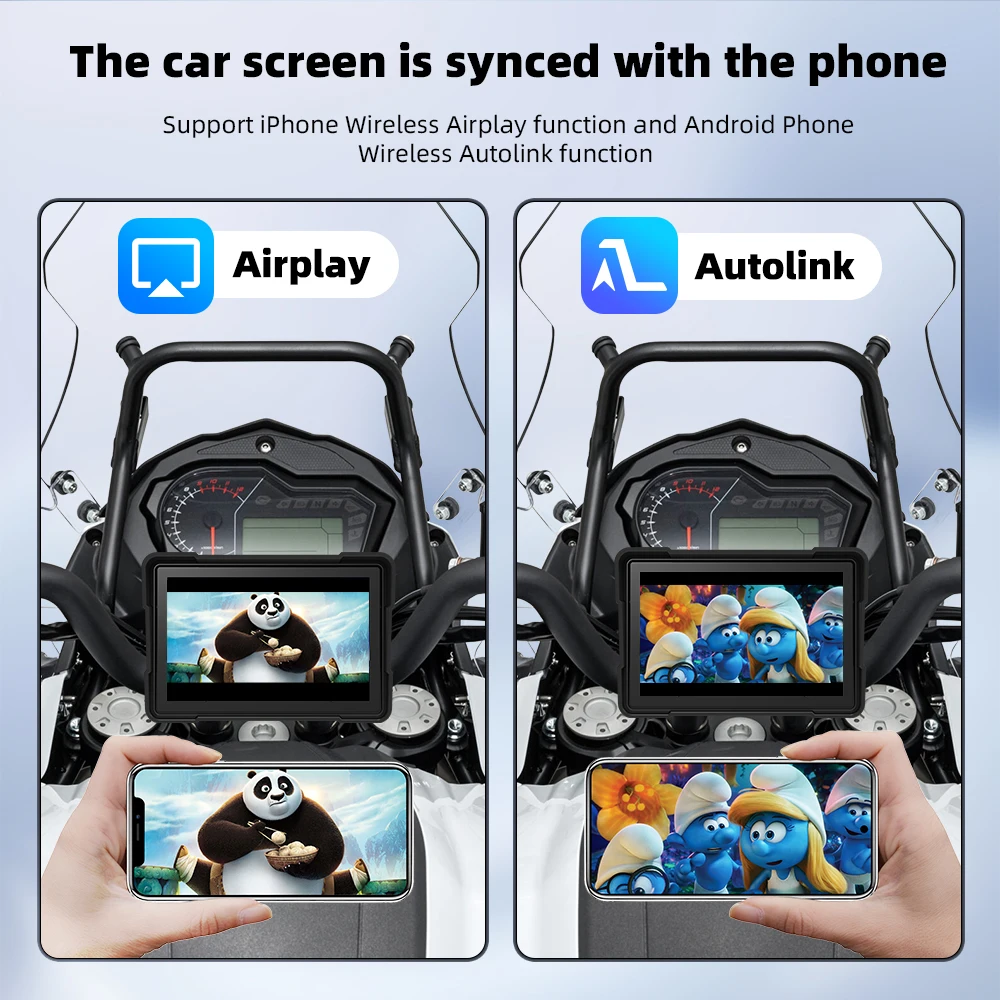
Support for mobile screen mirroring
Support Micro SD card(MAX 64GB)
Dustproof: IP65
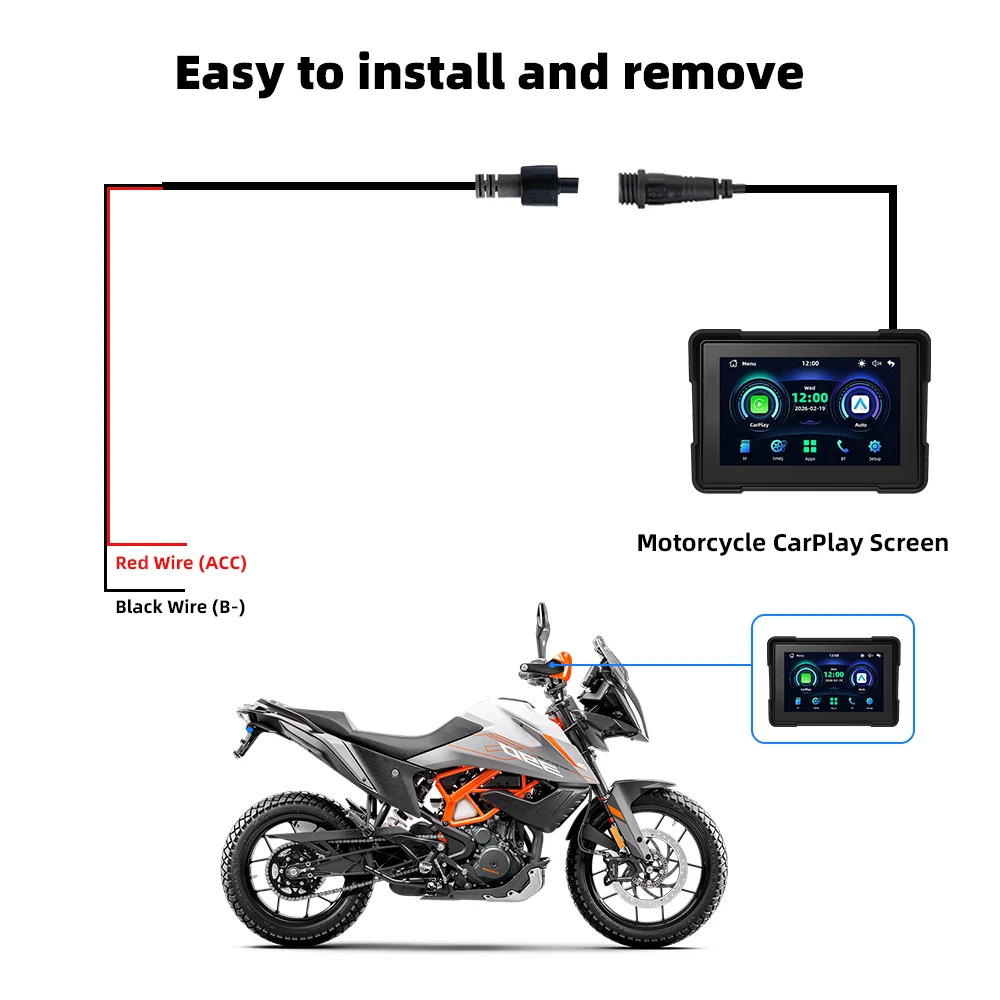
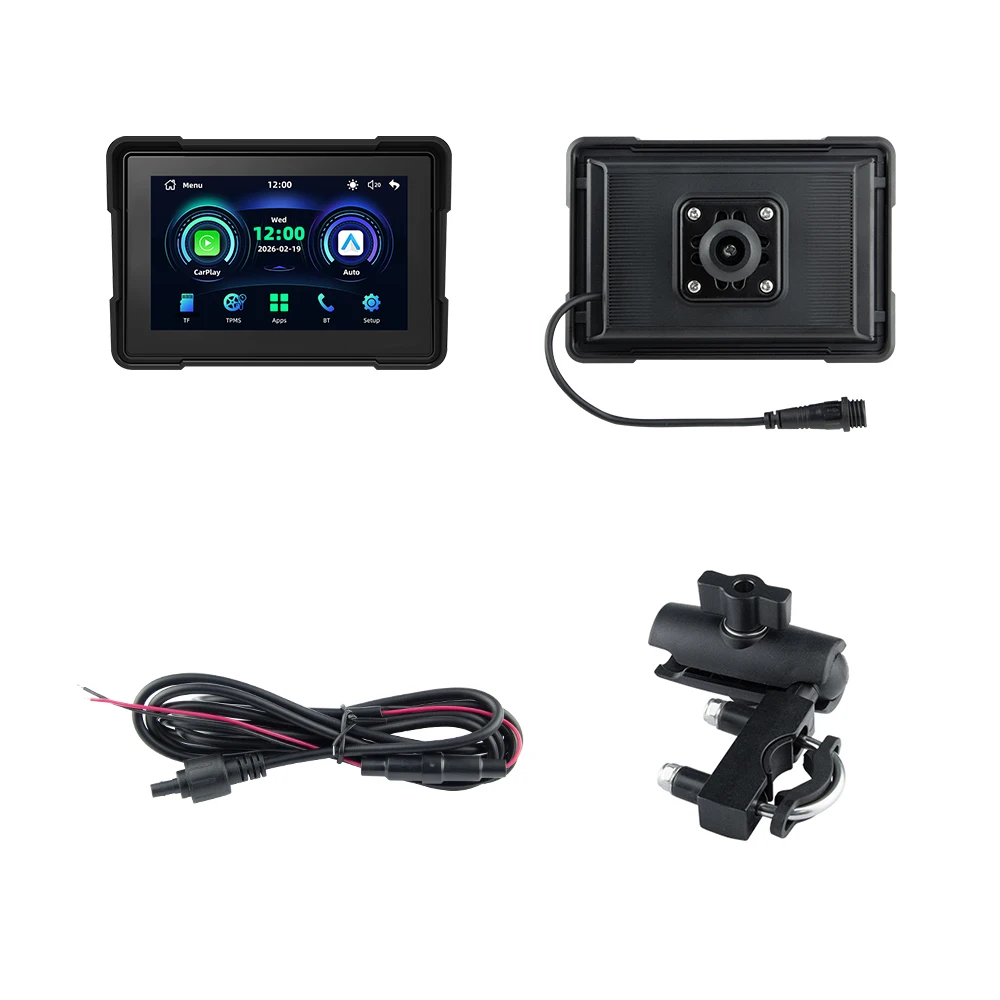
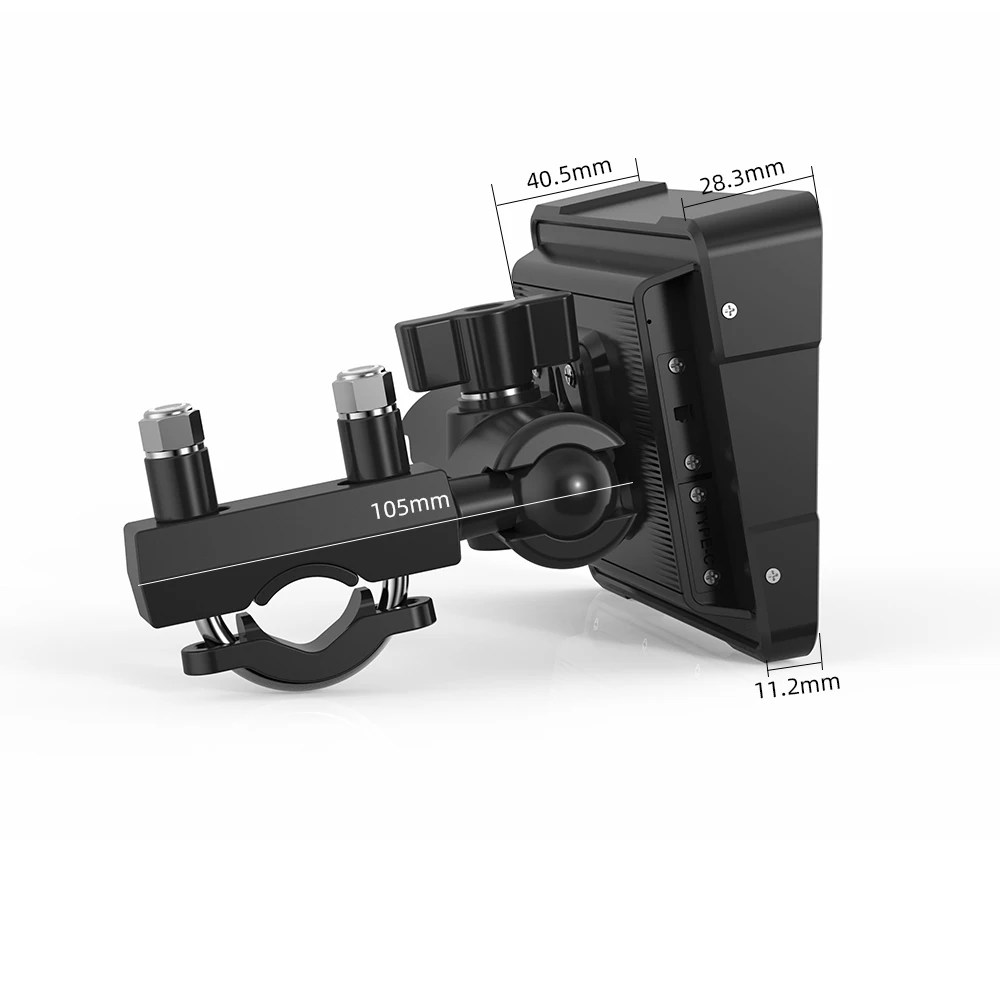
Anti theft: detachable design, easy to take away when getting off and getting stuck when getting on, very convenient
5.0-inch capacitive touch screen, 1024*600
Support multiple languages: Chinese, English, Russian, Japanese, French, Spanish, Portugal, German,Italiano
Product Specification
Origin: Mainland China
System Linux
Wireless Carplay:Support
Wireless Android Auto:Support
Dislplay: 5.0inch screen highlighting 800+
Resolution ratio:1024*600
Input power supply:12/-0.2V,(MAX15.5V)
Operating temperature:-20-70℃
Input power supply: 12V voltage is required to start; If using power bank to supply power from Type-C port, the device will restart due to insufficient voltage.
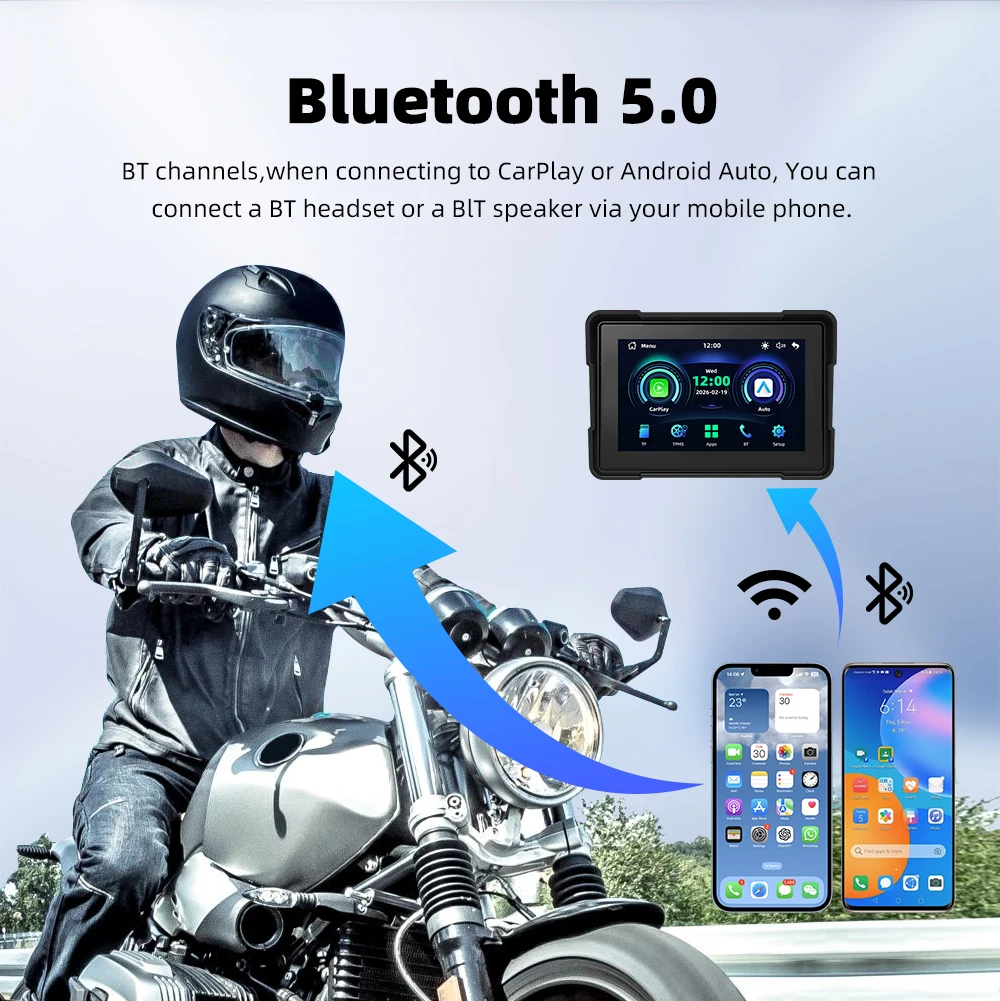
About Bluetooth connection: Apple carplay: If you cannot connect, please go to the phone settings-general-carplay, delete all the devices in it and then connect again.
Android auto: If you cannot connect, please enter the phone settings-APPs-Google play service-Storage and cache-clear cache-Total-clear all data