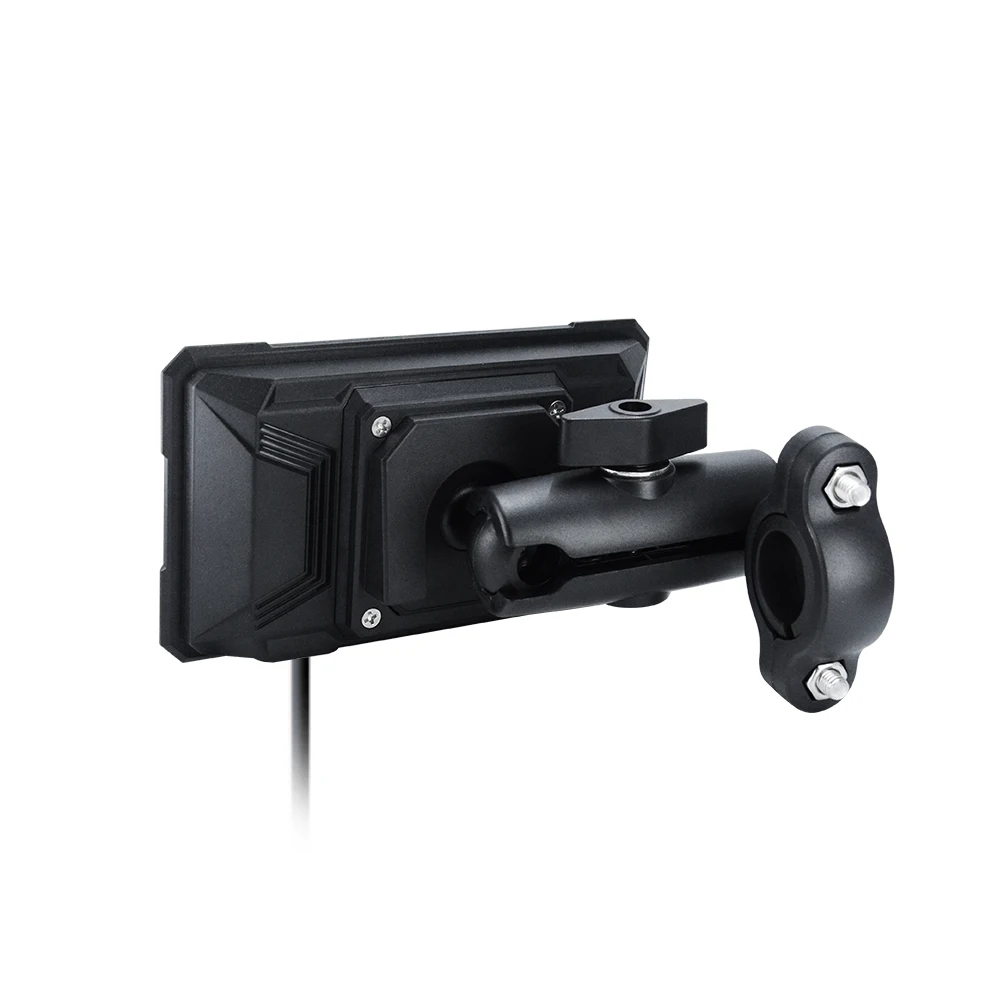
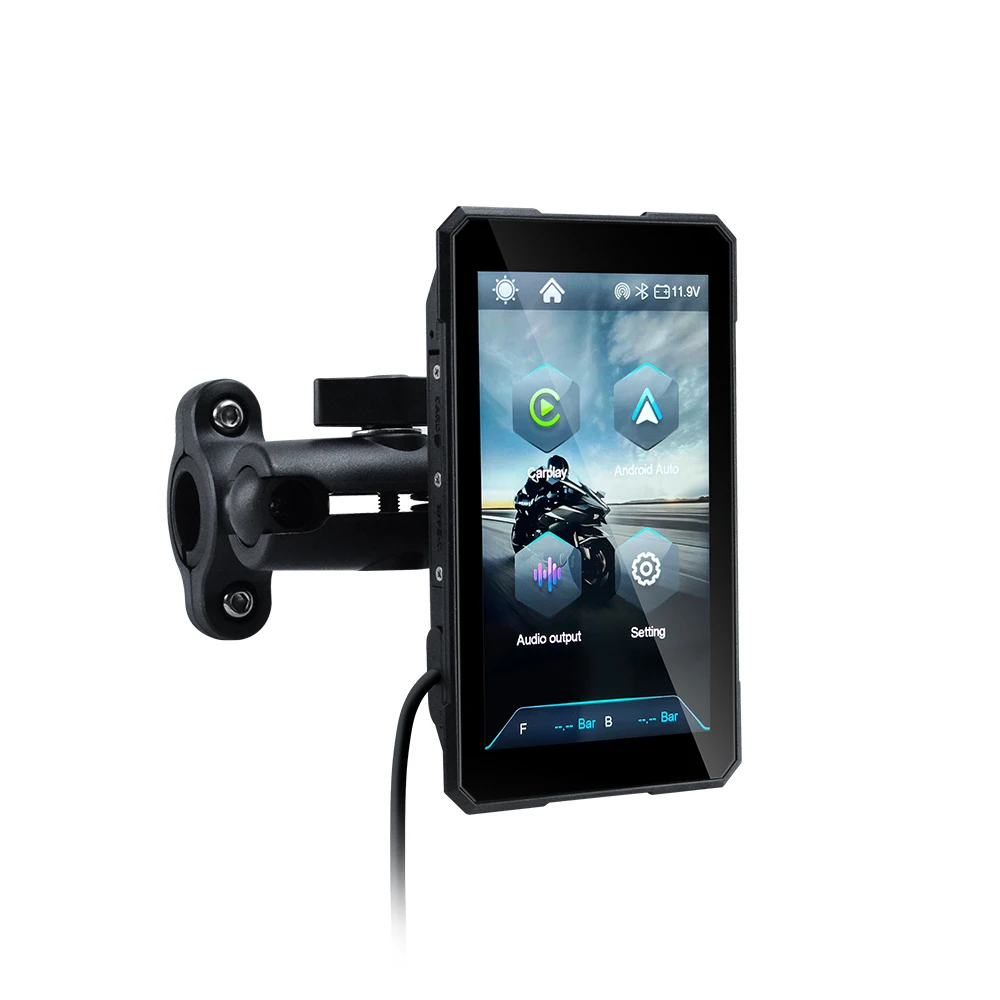
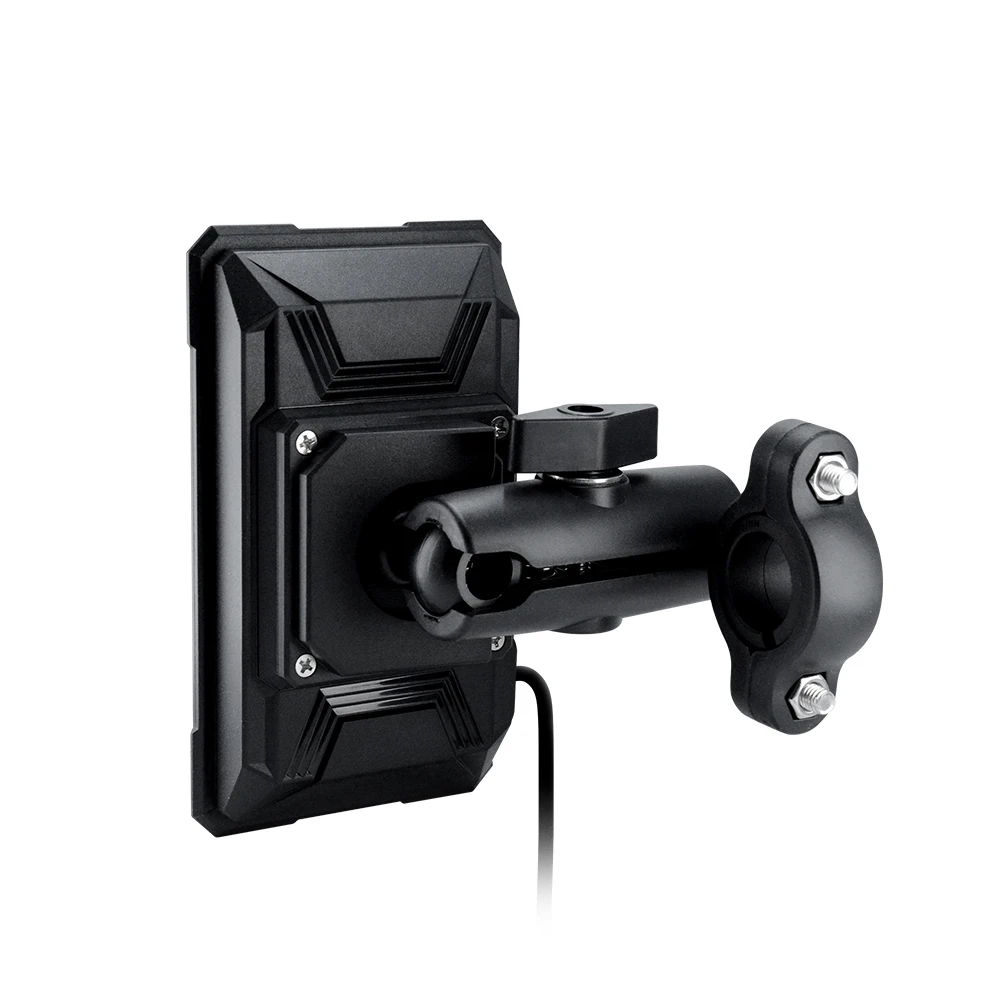
EKIY 5 Inch Motorcycle Carplay GPS WiFi MOTO Navigation Wireless CarPlay Wireless Android Auto Motor Rotating Screen
M11B with TP / China Mainland
$177.89
Sale price
$177.89
Regular price
$355.89
Skip to product information


EKIY 5 Inch Motorcycle Carplay GPS WiFi MOTO Navigation Wireless CarPlay Wireless Android Auto Motor Rotating Screen
$177.89
Sale price
$177.89
Regular price
$355.89
SPECIFICATIONS
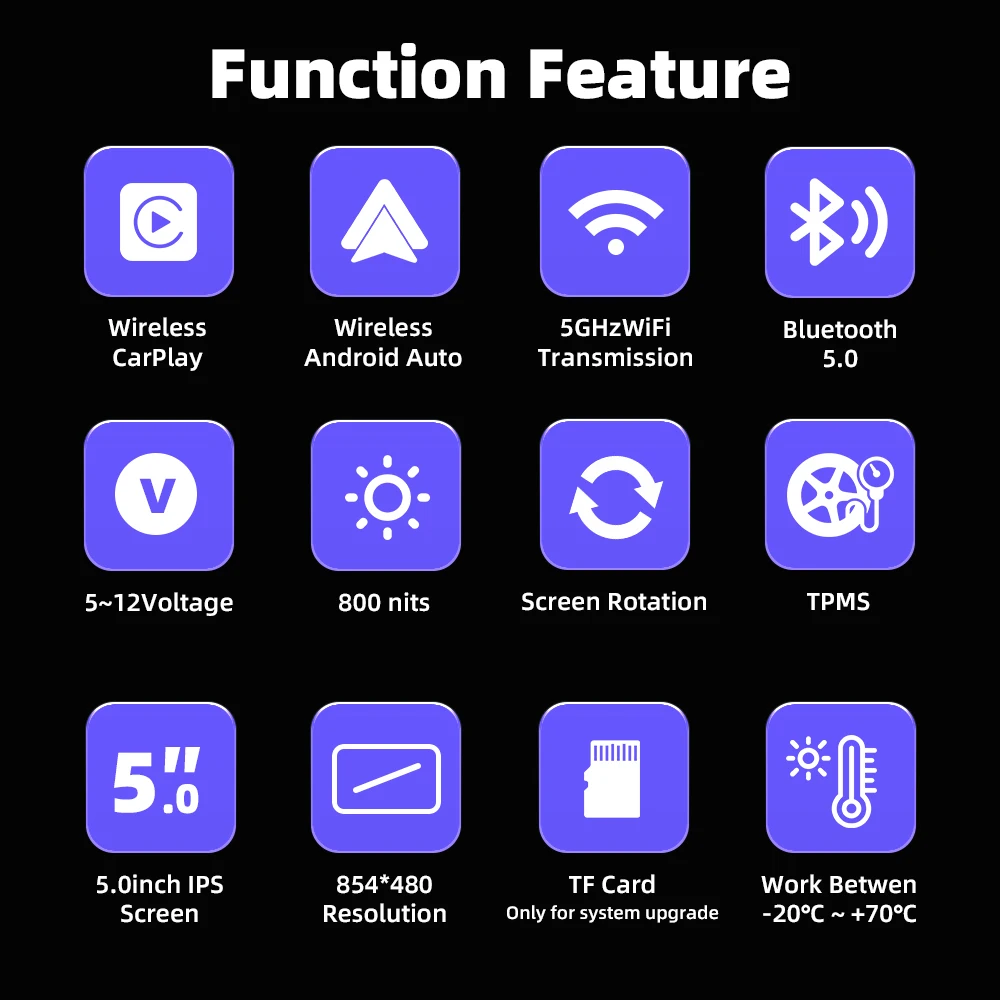
Bluetooth: BT 5.0 5GHzWiFi
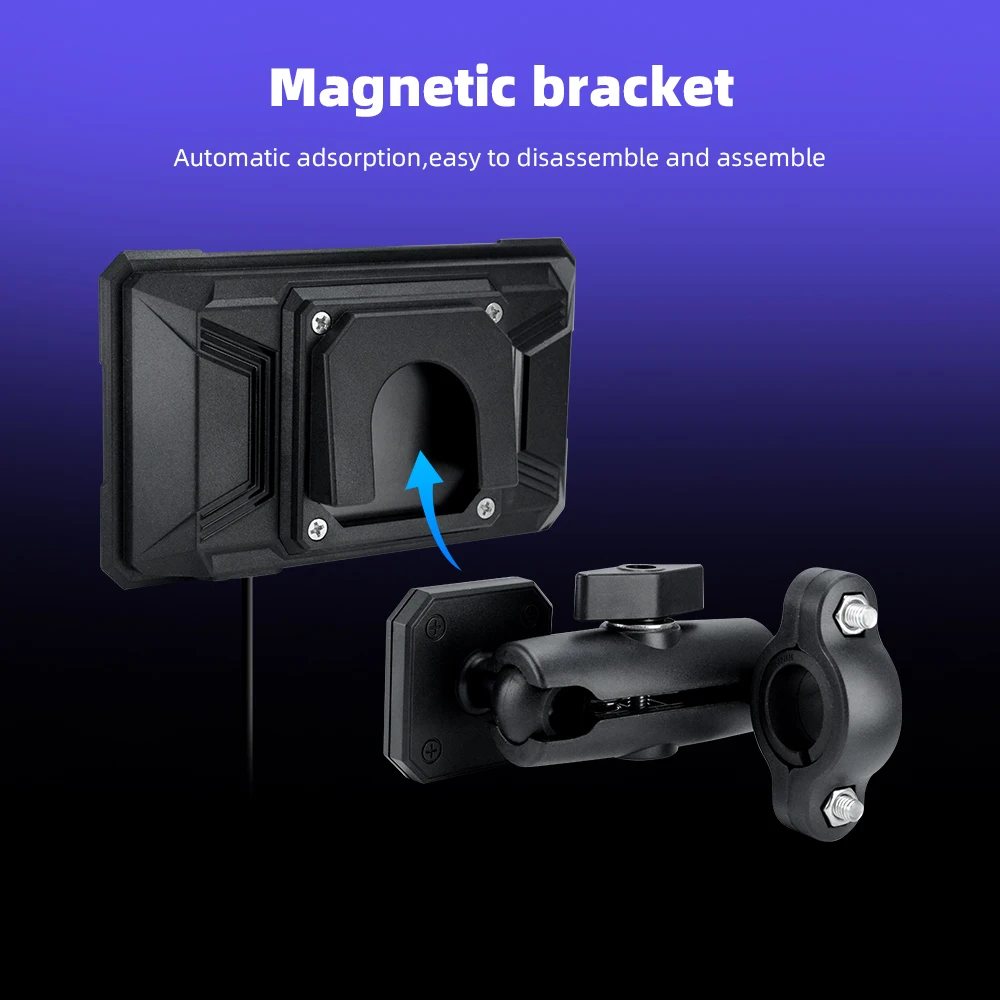
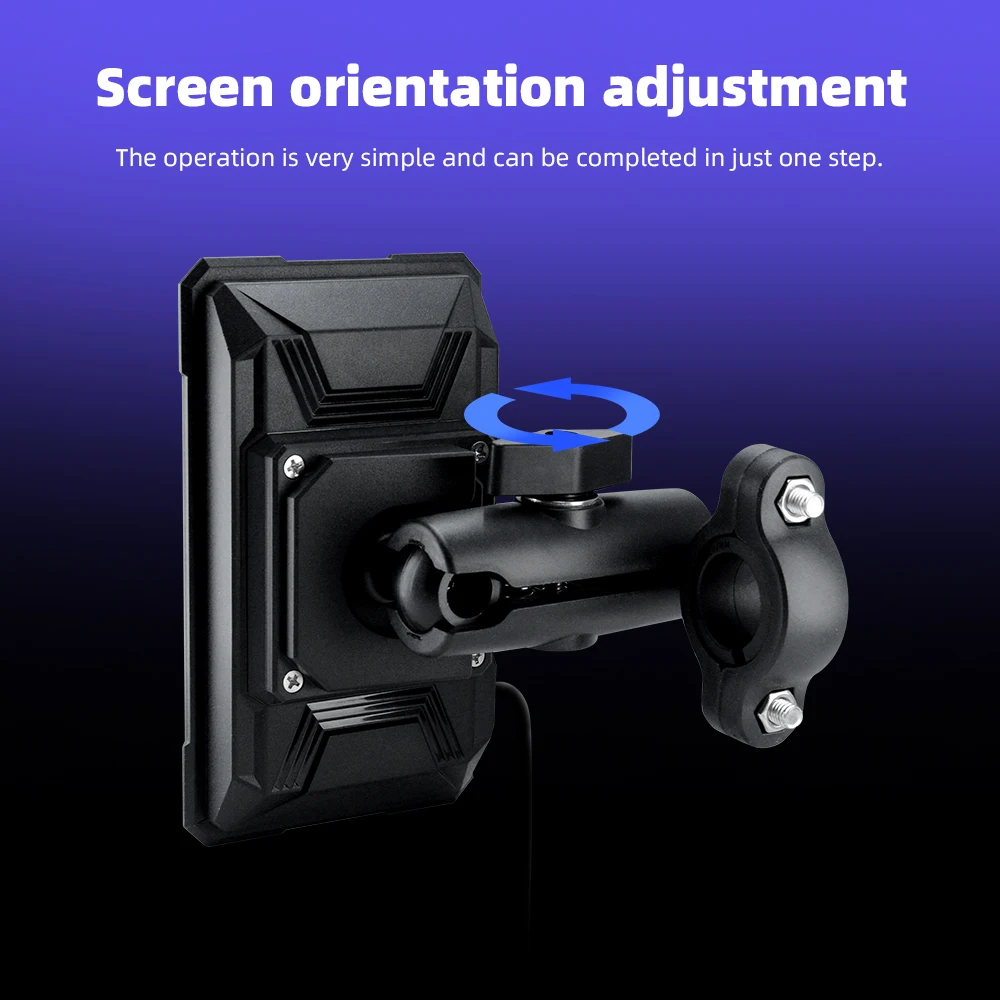
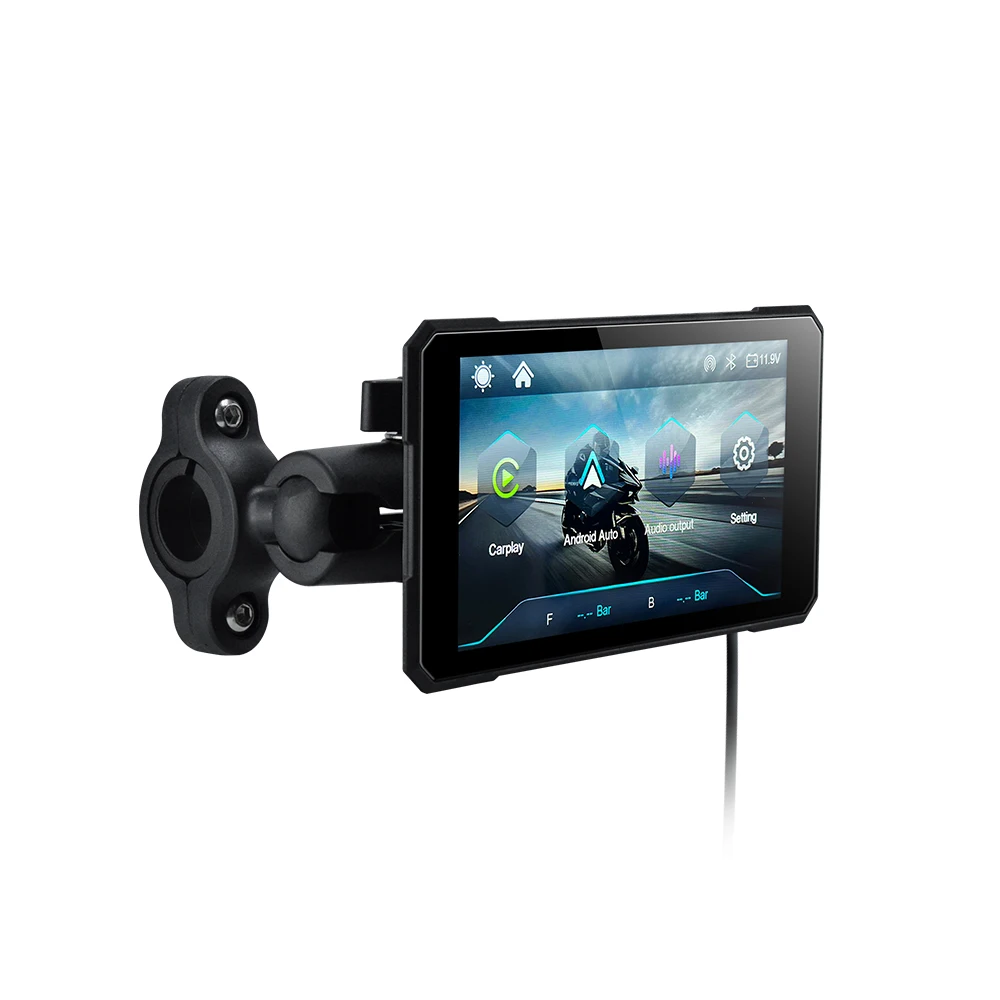
Bracket: Magnetic Mounting Bracket
Brand Name: EKIY
Choice: yes
High-concerned chemical: None
Material: ABS+Plastic
Max External Memory: 64G
Name: Motorcycle Carplay Screen
Origin: Mainland China
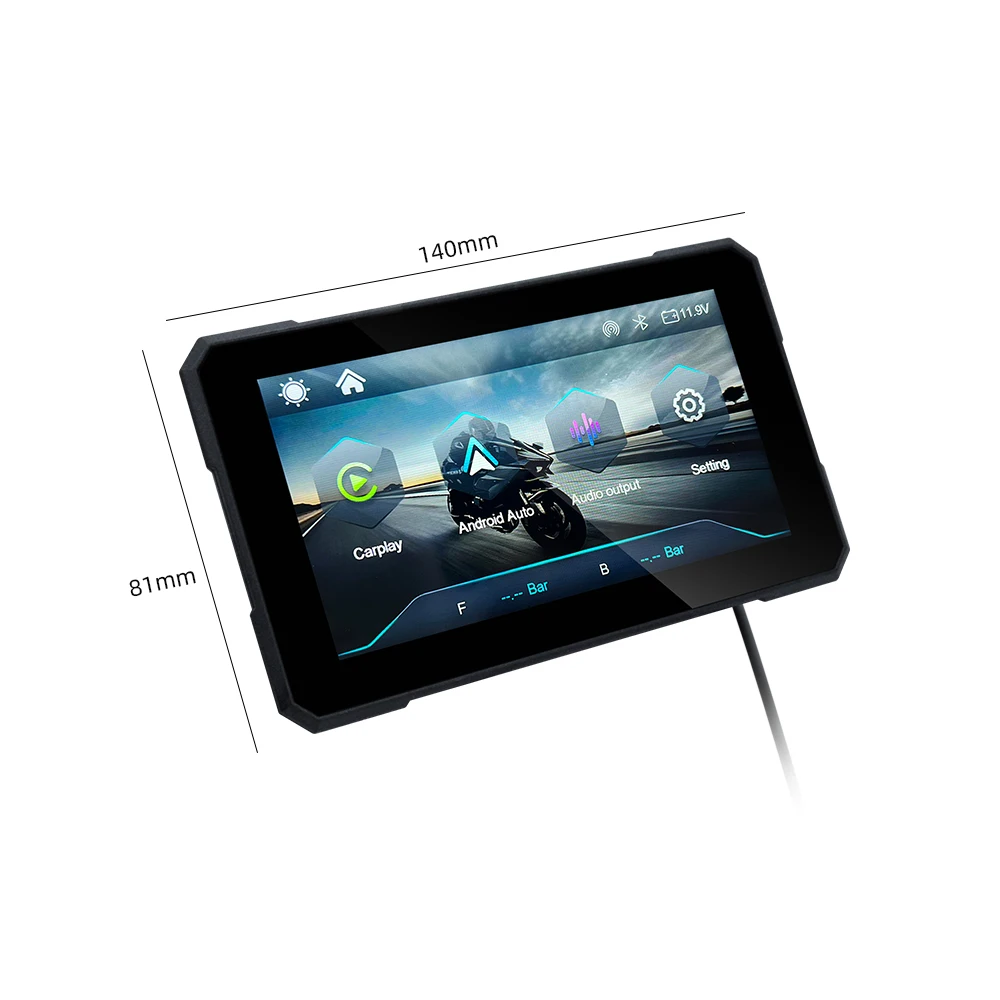
Resolution: 854*480
Screen: Touch Screen
Screen Size: 5 inch
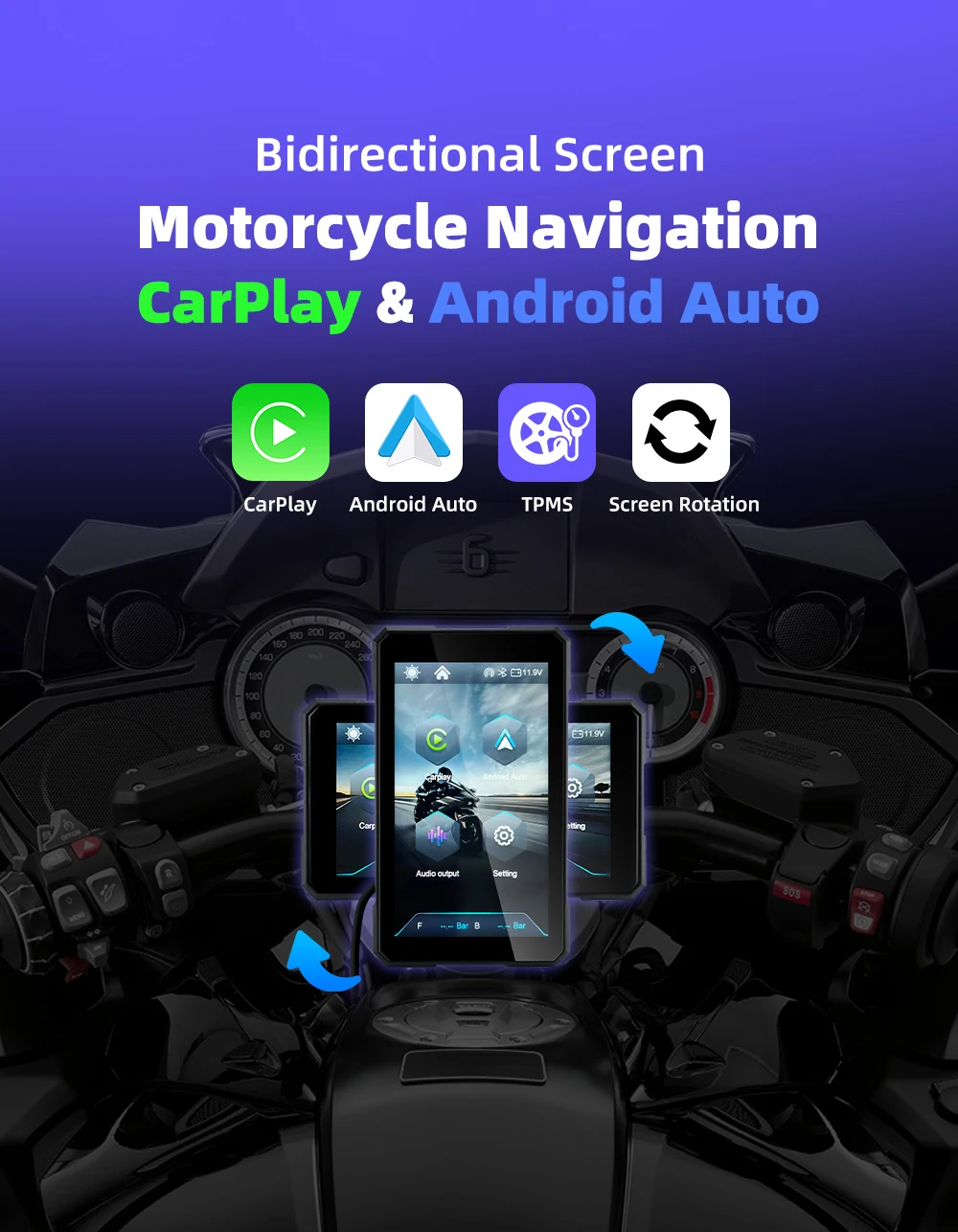
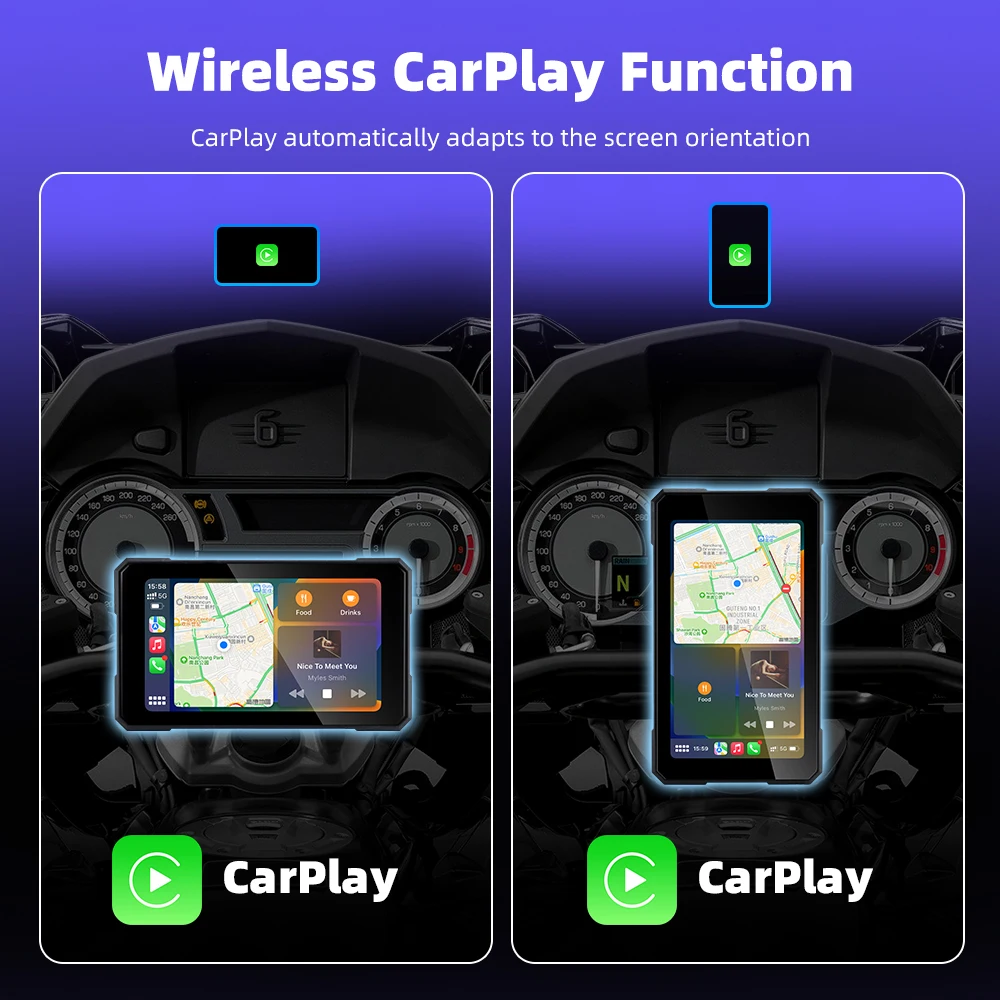
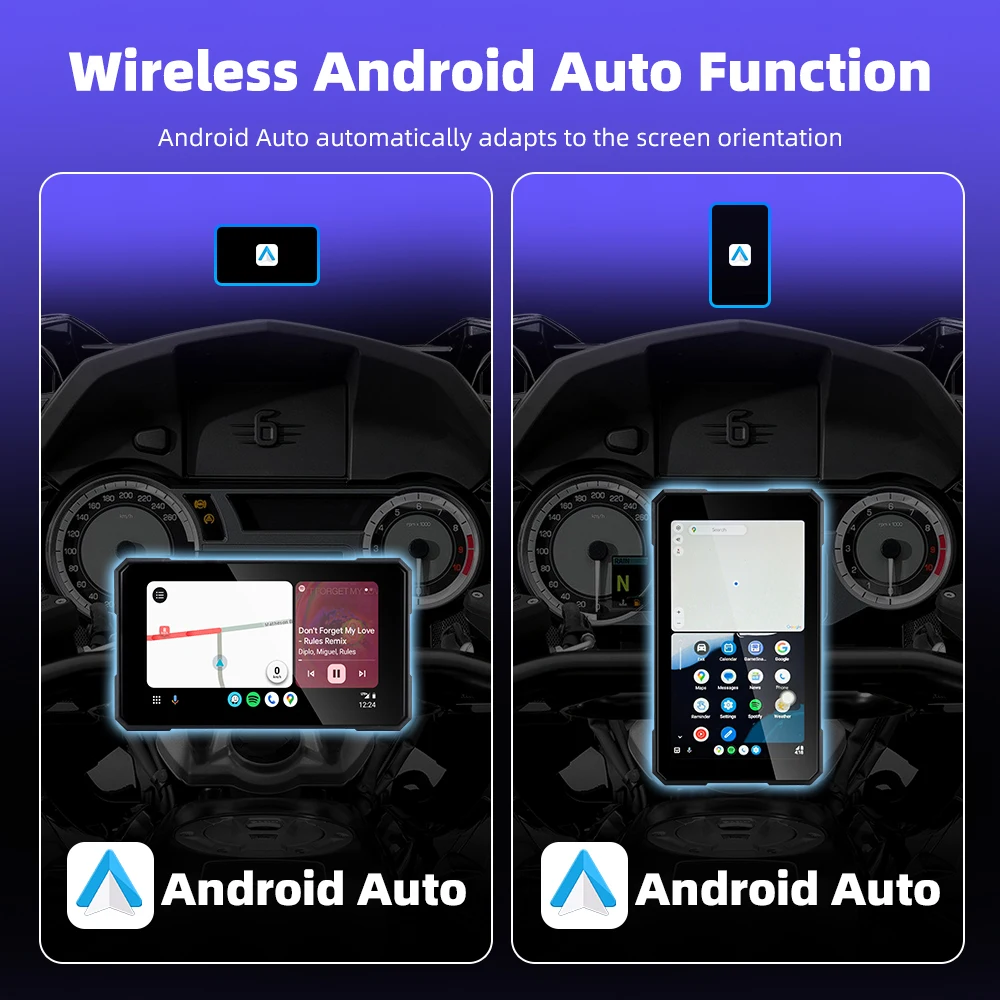
Support: Wireless Carplay&Android Auto
System: Linux System
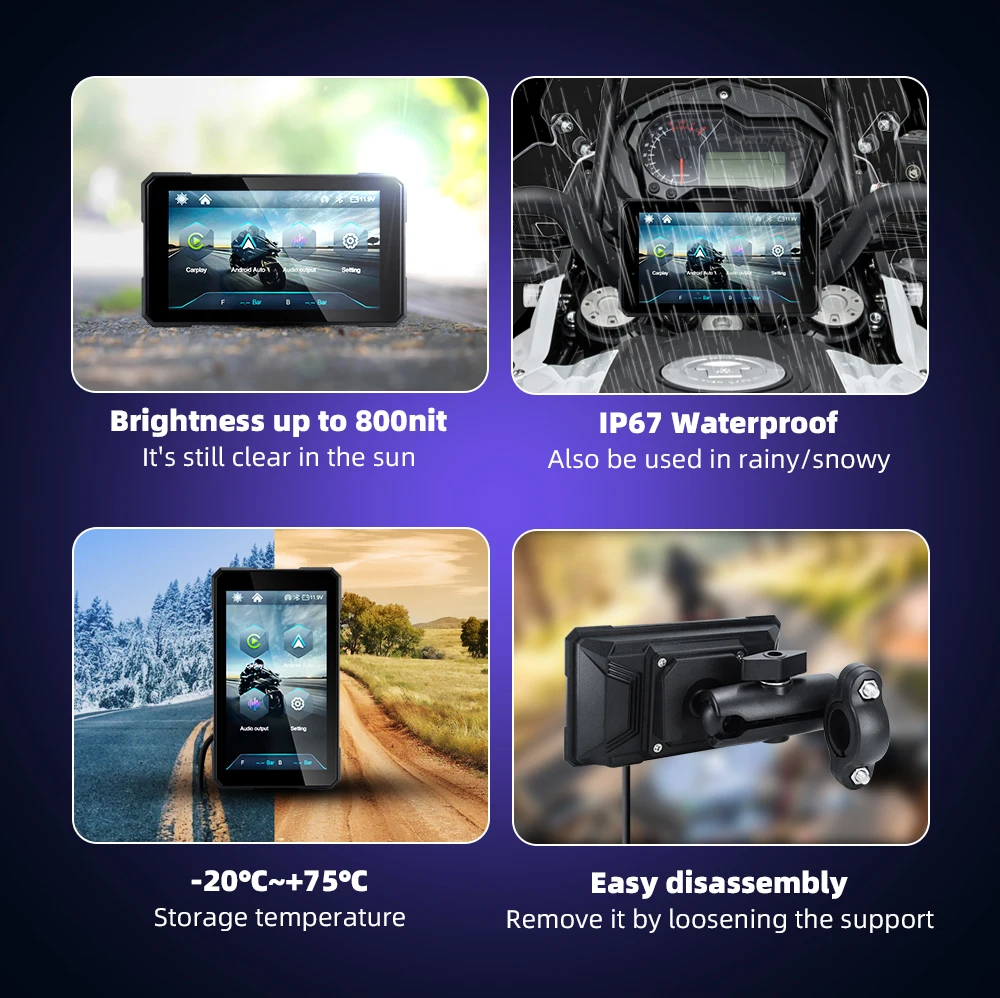
Waterproof: IP67 Waterproof
Waterproof Level: IP67
Support : Supports Wireless CarPlay and Wireless Android auto
Dustproof: IP67
Resolution: 854*480
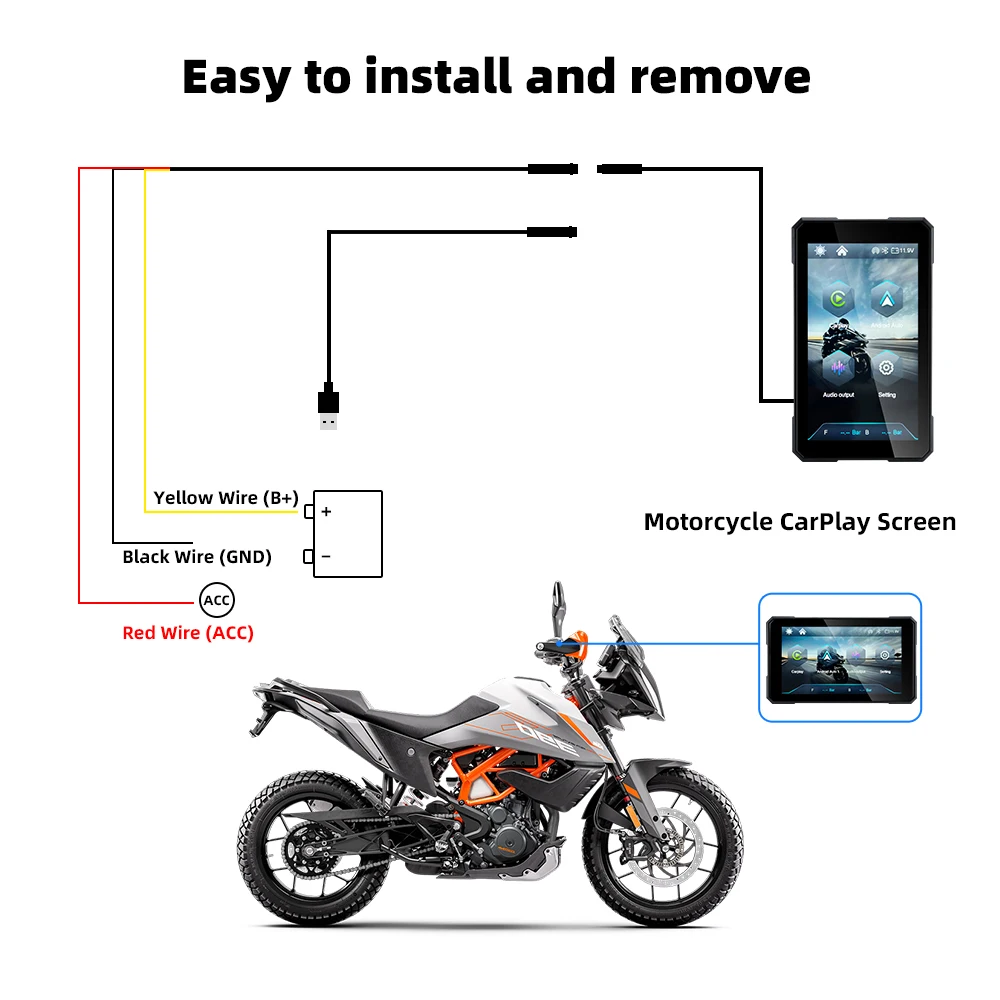
Anti theft: detachable design, easy to take away when getting off and getting stuck when getting on, very convenient
WIFI+Bluetooth, supporting simultaneous use of Bluetooth earphones for calls and carplay
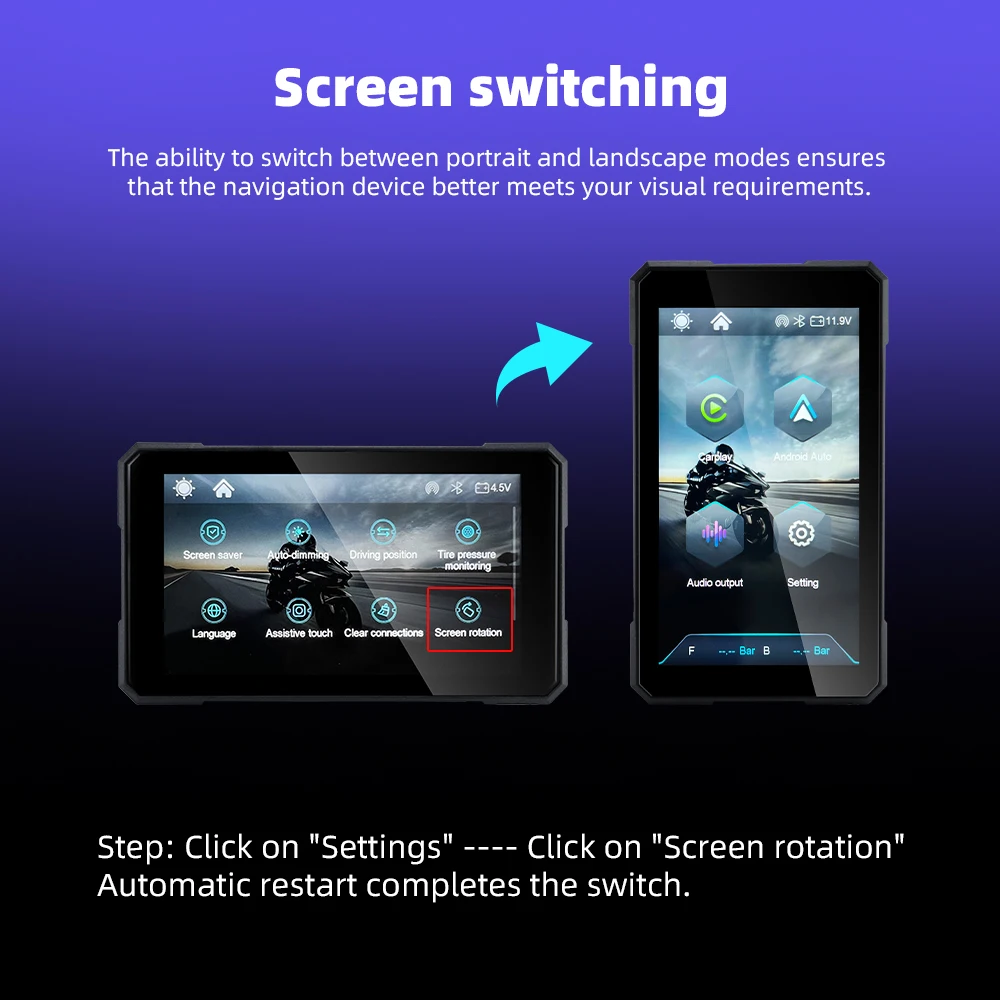
Support multiple languages: Chinese, English, Russian, Japanese, French, Spanish,
【Specifications】
Origin: Mainland China
System: Linux System
Wireless Carplay:Support
Wireless Android Auto:Support
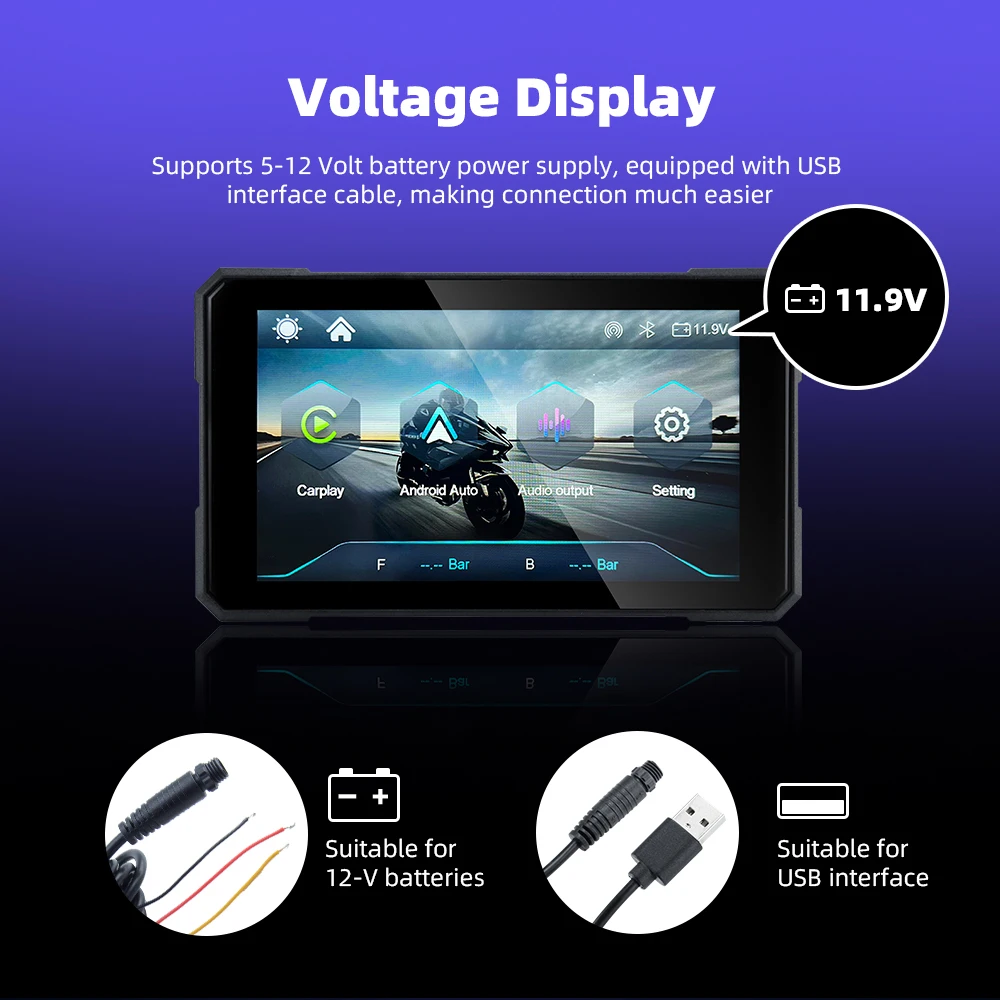
Input power supply:12/-0.2V,(MAX15.5V)
Operating temperature:-20-70℃
Input power supply: 12V voltage is required to start; If using power bank to supply power from Type-C port, the device will restart due to insufficient voltage.
About Bluetooth connection:
Apple Carplay: If you cannot connect, please go to the phone settings-general-carplay, delete all the devices in it and then connect again.
Android auto: If you cannot connect, please enter the phone settings-APPs-Google play service-Storage and cache-clear cache-Total-clear all data
Anti theft: detachable design, easy to take away when getting off and getting stuck when getting on, very convenient
WIFI+Bluetooth, supporting simultaneous use of Bluetooth earphones for calls and carplay
Support multiple languages: Chinese, English, Russian, Japanese, French, Spanish,
【Specifications】
Origin: Mainland China
System: Linux System
Wireless Carplay:Support
Wireless Android Auto:Support
Input power supply:12/-0.2V,(MAX15.5V)
Operating temperature:-20-70℃
Input power supply: 12V voltage is required to start; If using power bank to supply power from Type-C port, the device will restart due to insufficient voltage.
About Bluetooth connection:
Apple Carplay: If you cannot connect, please go to the phone settings-general-carplay, delete all the devices in it and then connect again.
Android auto: If you cannot connect, please enter the phone settings-APPs-Google play service-Storage and cache-clear cache-Total-clear all data