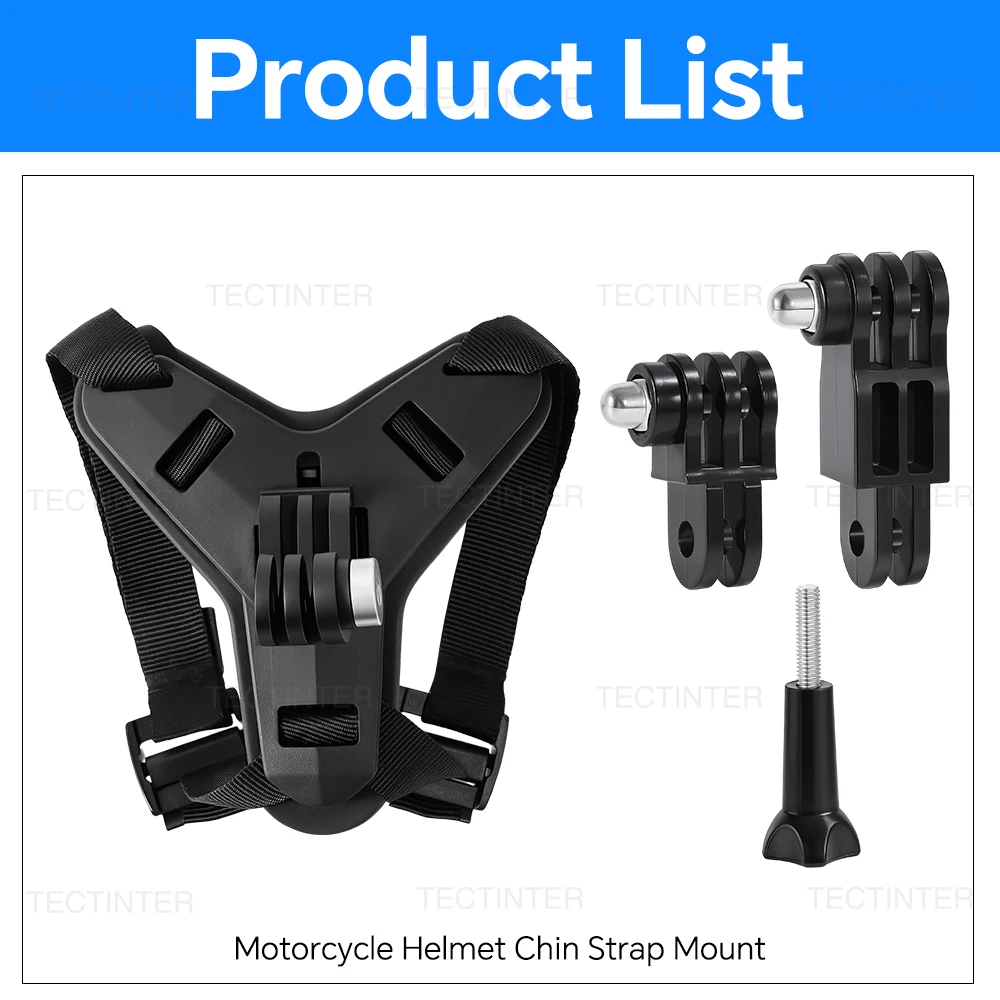
Motorcycle Helmet Chin Mount Strap for GoPro Hero DJI Osmo Insta360 SJCAM Bracket Holder for Action Sports Camera Accessories


Motorcycle Helmet Chin Mount Strap for GoPro Hero DJI Osmo Insta360 SJCAM Bracket Holder for Action Sports Camera Accessories
SPECIFICATIONS
Brand Name: TECTINTER
Choice: yes
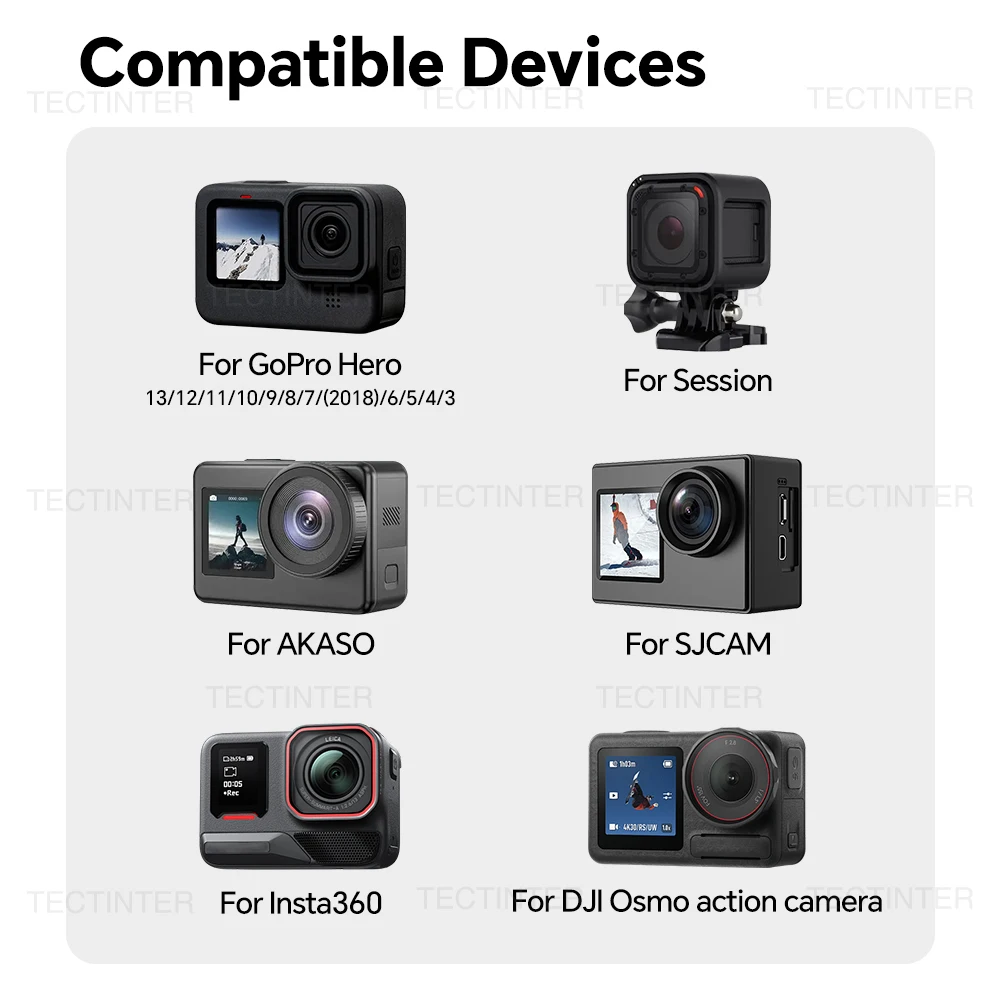
Compatible: for GoPro Hero 13 12 11 10 9 8
Compatible 1: for DJI Osmo
Compatible 2: for Insta360
Compatible 3: for SJCAM SJ4000 AKASO
Compatible Action Camera Brand: DJI,Insta360,GoPro
High-concerned chemical: None
Material: Plastic
Model Number: for GoPro Hero
Origin: Mainland China
Type: Action Camera Accessories Kits
Item Description
Note
We have 2 types of model, double check before you place order need.
Compatible With
For GoPro Hero 13 12 11 10 9 8 7 6 5 4 3 Black
For SJCAM SJ4000 SJ5000 SJ6 SJ7 SJ8 SJ9 SJ10 Action camera
For AKASO EK7000 V50 Brave
For Insta360 one x2/x3/x4/x5/One r/Go 2 camera
For GoPro Max Fusion Silver White
For GoPro Hero Black Silver White
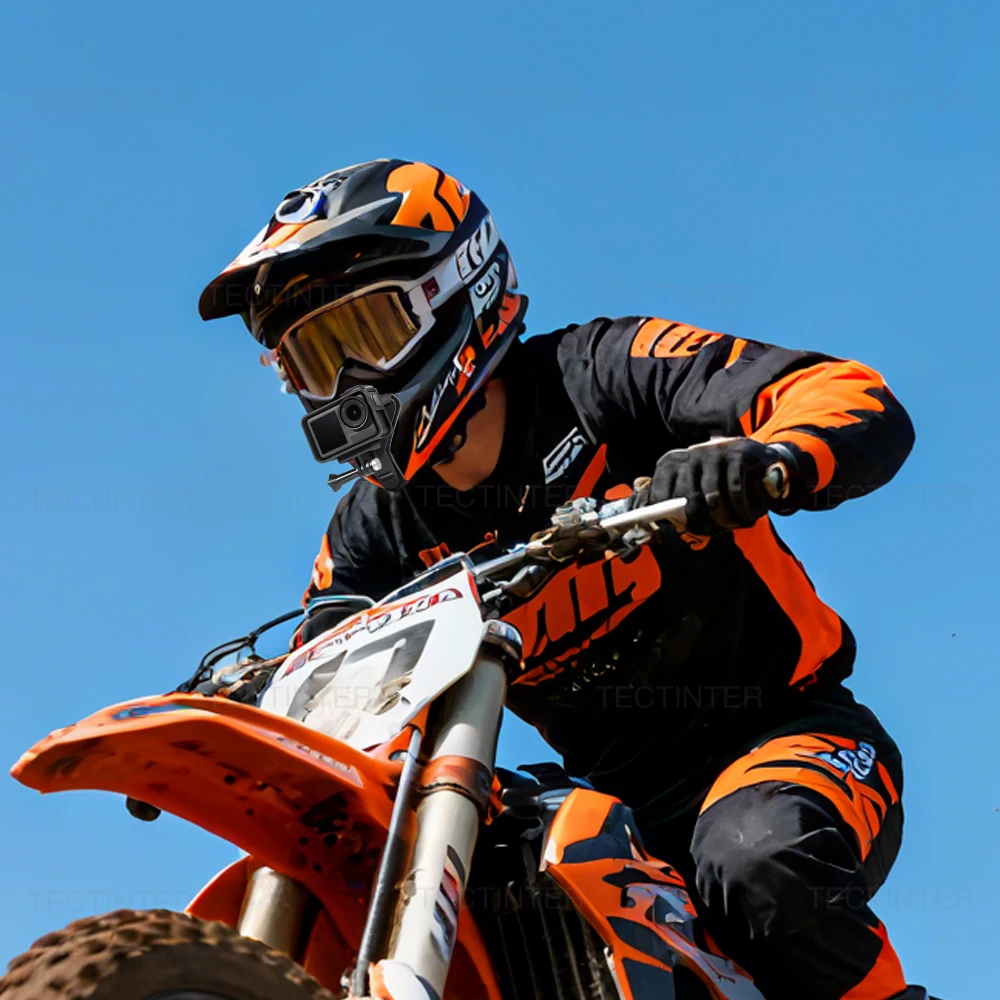
For DJI Osmo Action / Xiaomi Yi 4K+ / APEMAN / Dragon Touch and most action camera. Ideal for motorcycle lovers. NOT suitble for helmets with long chin.
Update Material
made of premium plastic, silicone and woven belt. It can be repeatedly used, offers stable mounting and helps you to capture exciting moment.
Unique Design
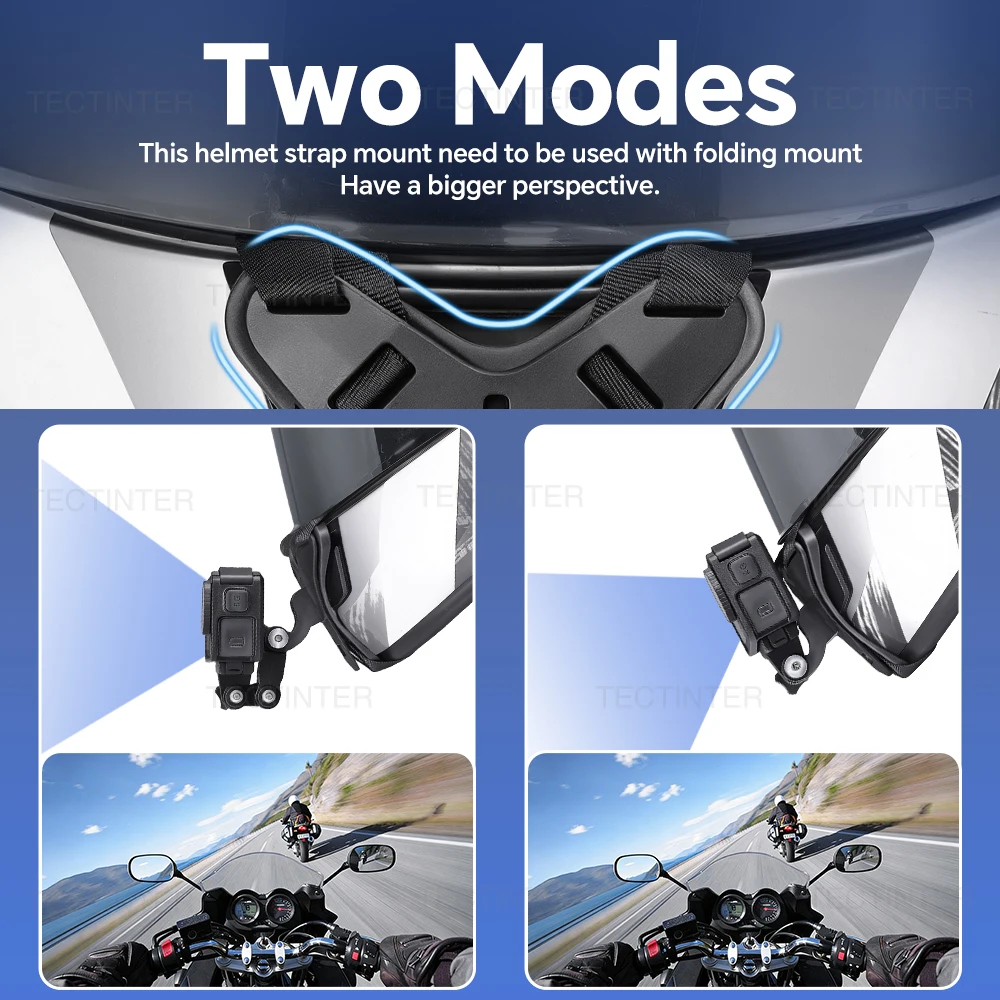
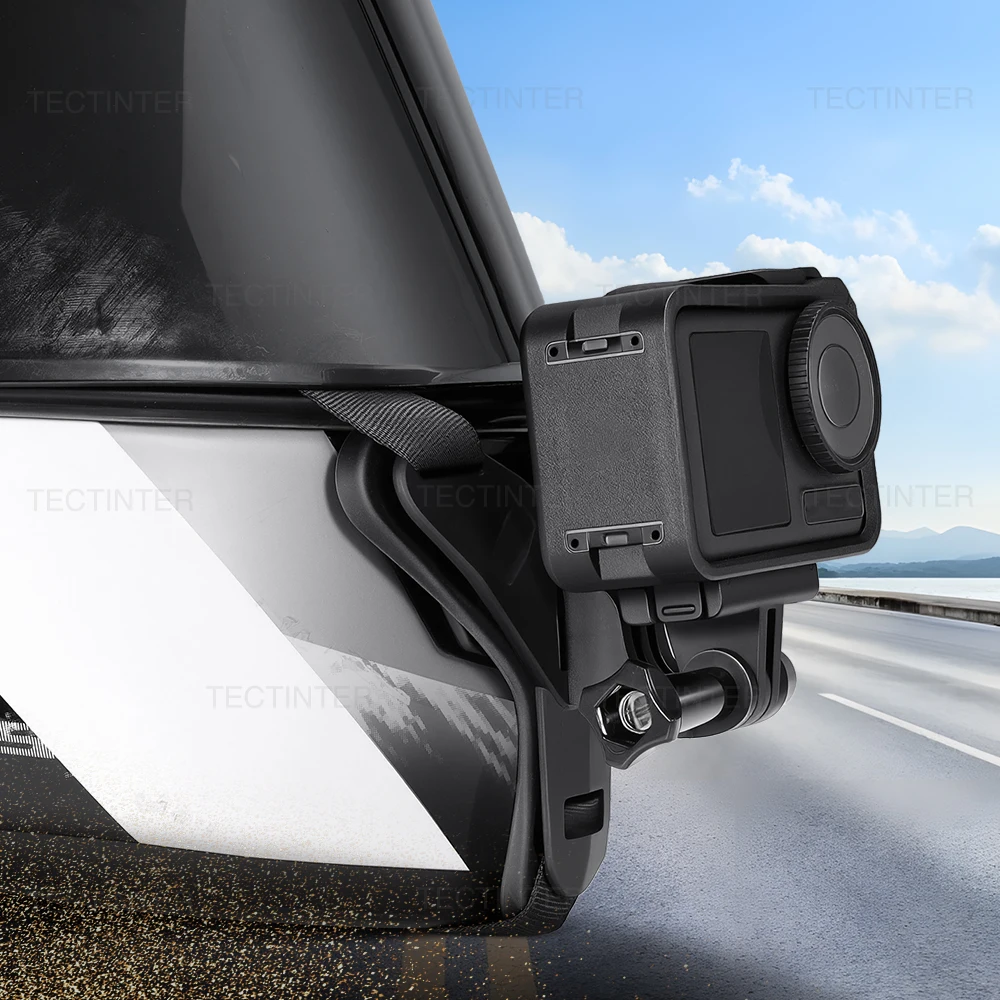
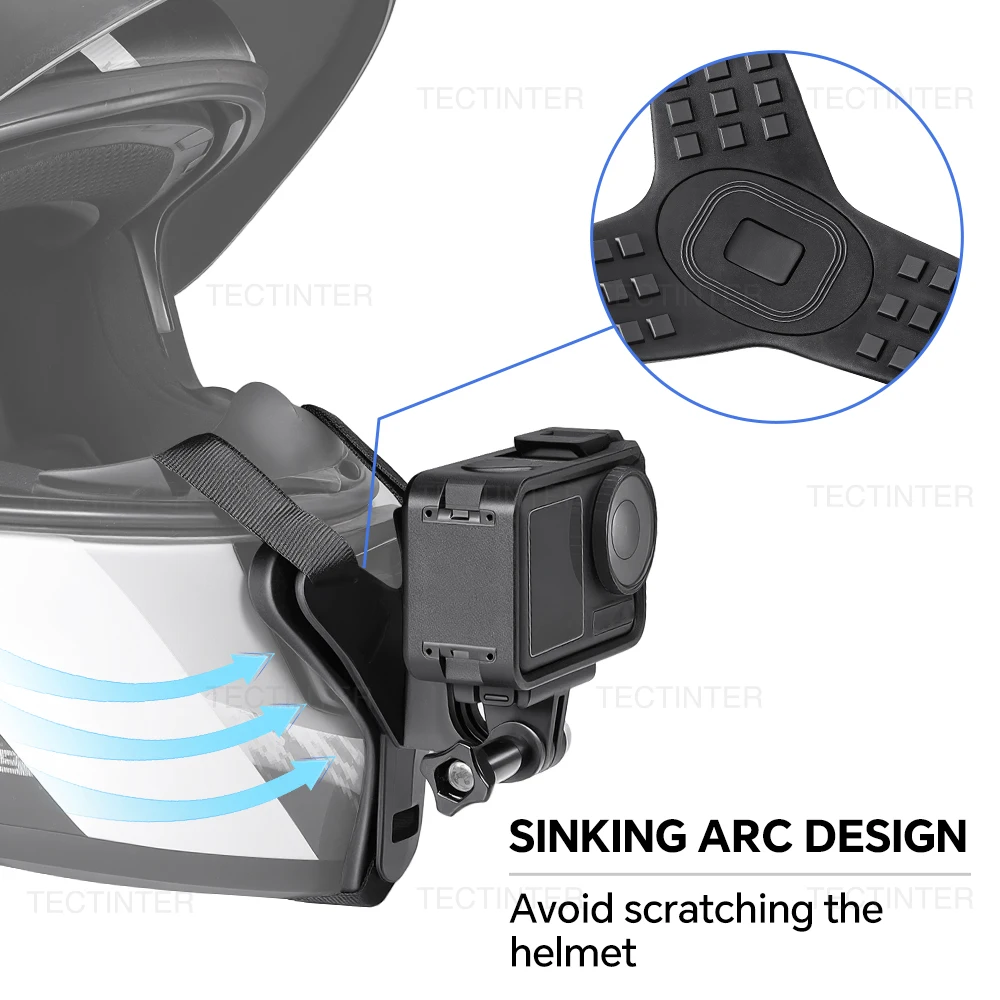
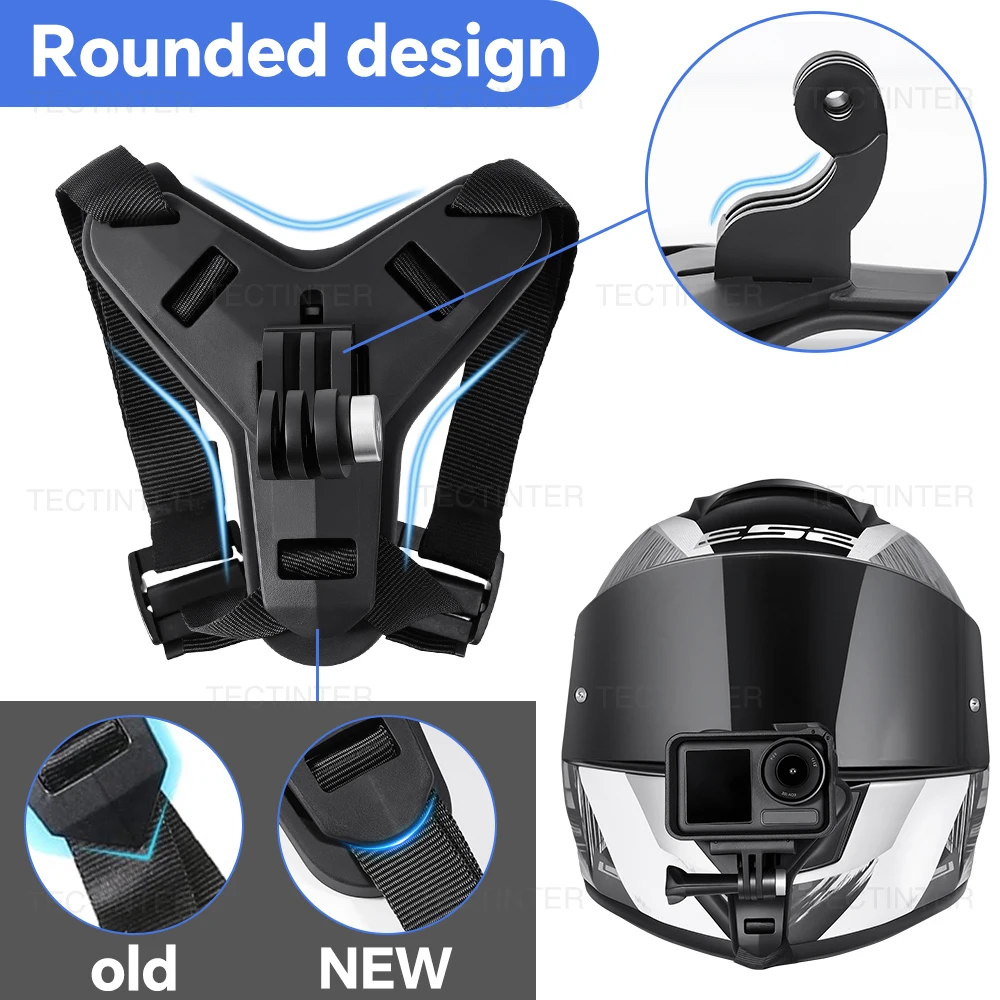
Motorcycle Camera Mount Helment Chin Strap Attachment, has a fixed stable adapter base and extension J-Hook for Go Pro. The whole mount made of high-quality ABS material is all rounded to avoid any possibility of hurting the user.
J Hook
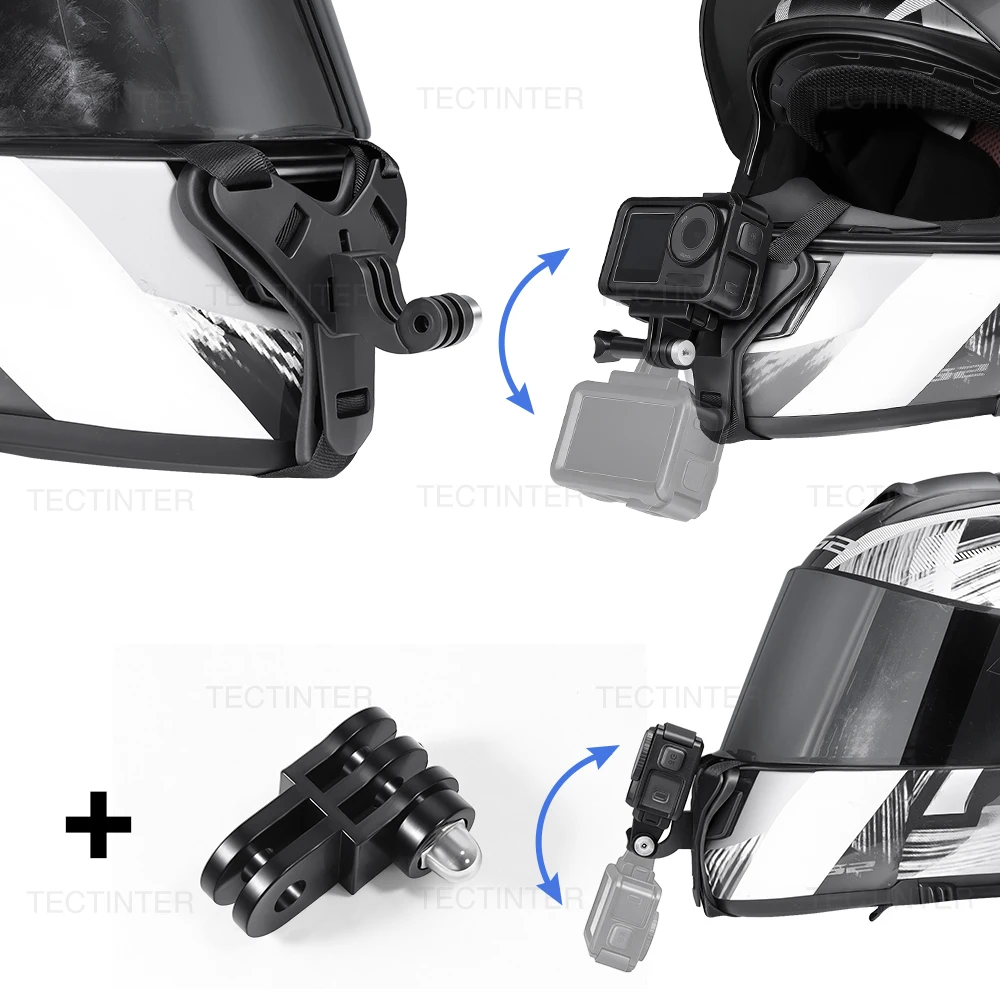
No complicated cooperation with installing or removing, a J hook on the base can be connected with various accessories to meet all demands.
Silicone Base
With strong extensibility, the base fits the different helmet surface perfectly. The anti-shock and anti-slid design assure you a clear shooting or filmin.
Easy Install
Step 1: Position the Mount
Place the mount bracket on the front chin area of your helmet, aligning it with the helmet’s contour for a secure fit.
Step 2: Secure the Strap
Thread the adjustable mounting strap through the helmet’s internal padding or retention system. Fasten the buckle to adjust tension, ensuring the mount stays stable and does not shift.
Step 3: Attach the Camera
Align your action camera’s mounting interface with the bracket’s connection point. Insert the quick-release thumb screw and tighten it by hand to lock the camera firmly in place.
Step 4: Final Check
Verify all connections are secure:
Confirm the strap is taut and the mount does not wobble.
Ensure the camera is level and oriented correctly for recording.
Test the mount by gently shaking the helmet to confirm stability before use.
Dimension
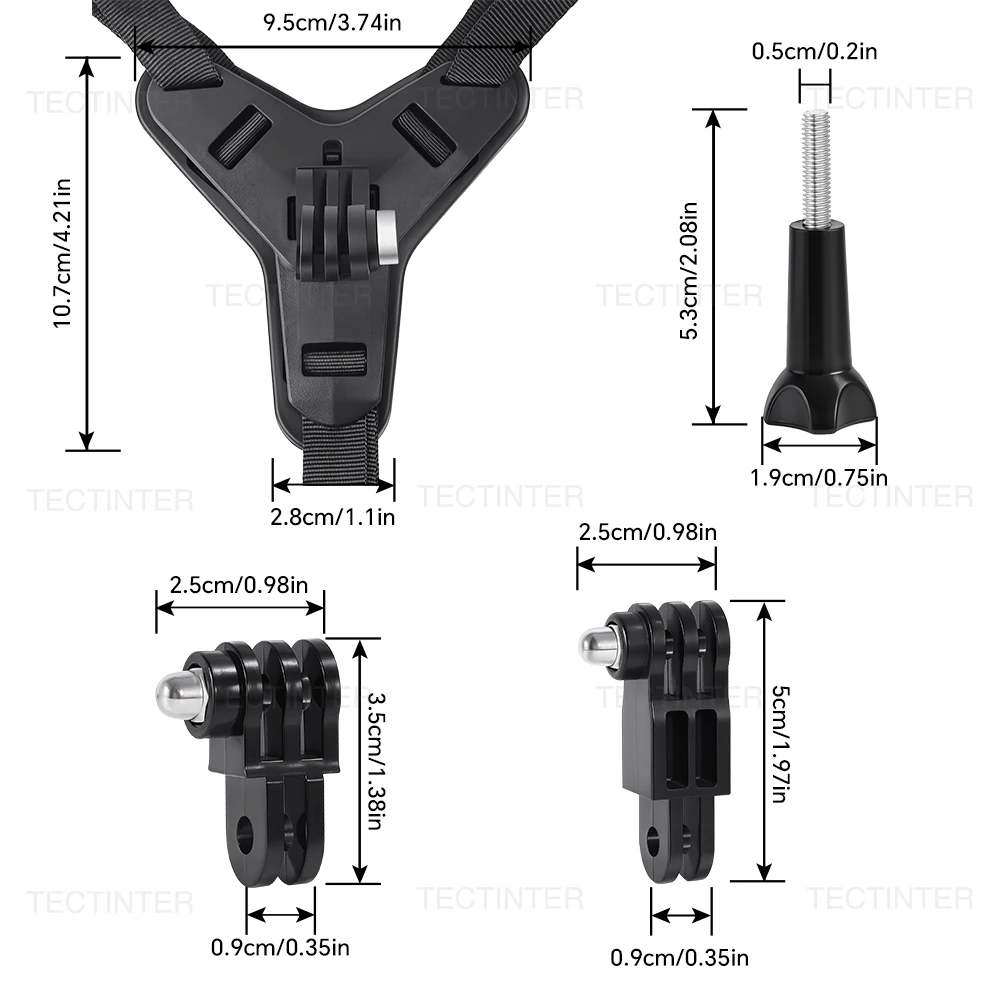
Packing List
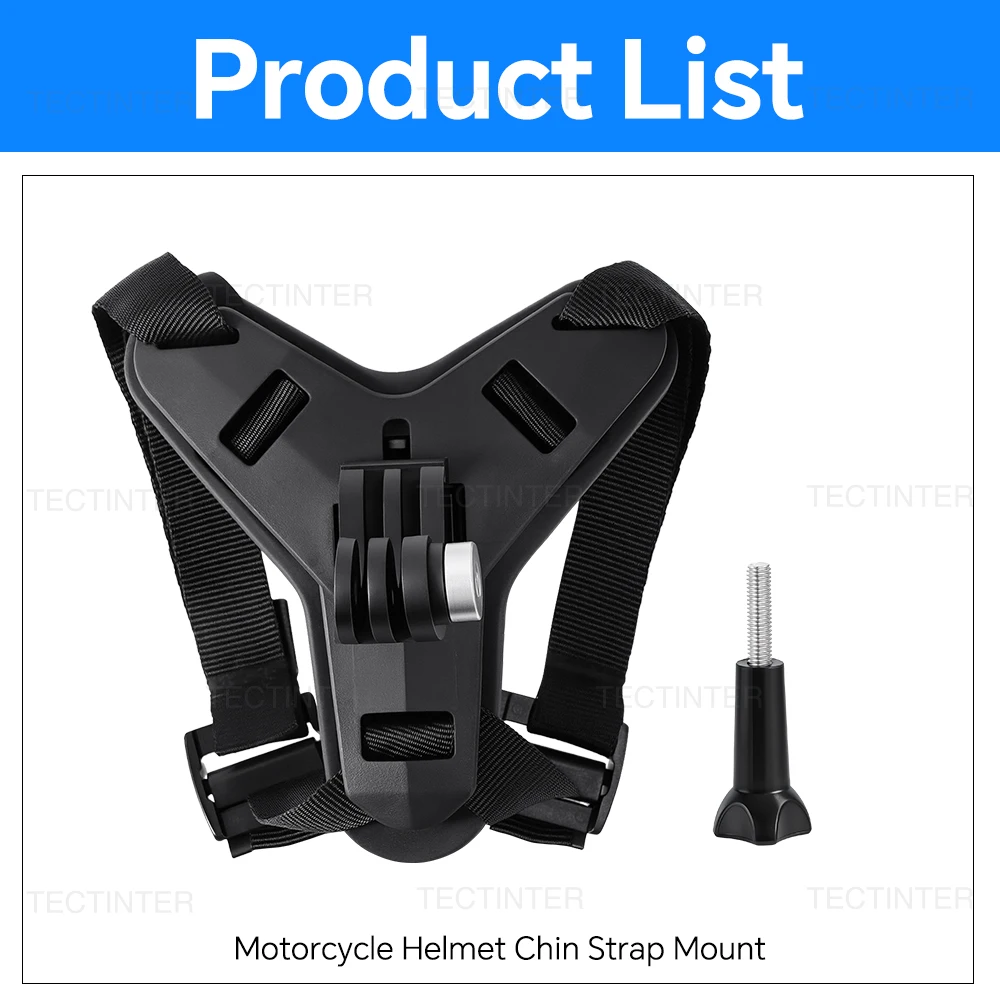
Packing List