Portable 3.4 inch Motorcycle GPS Navigation Wireless Carplay Android Auto DVR Drive Recorder Moto Monitor WIFI IP67 Waterproof


Portable 3.4 inch Motorcycle GPS Navigation Wireless Carplay Android Auto DVR Drive Recorder Moto Monitor WIFI IP67 Waterproof
SPECIFICATIONS
Brand Name: grandnavi
Choice: yes
High-concerned chemical: None
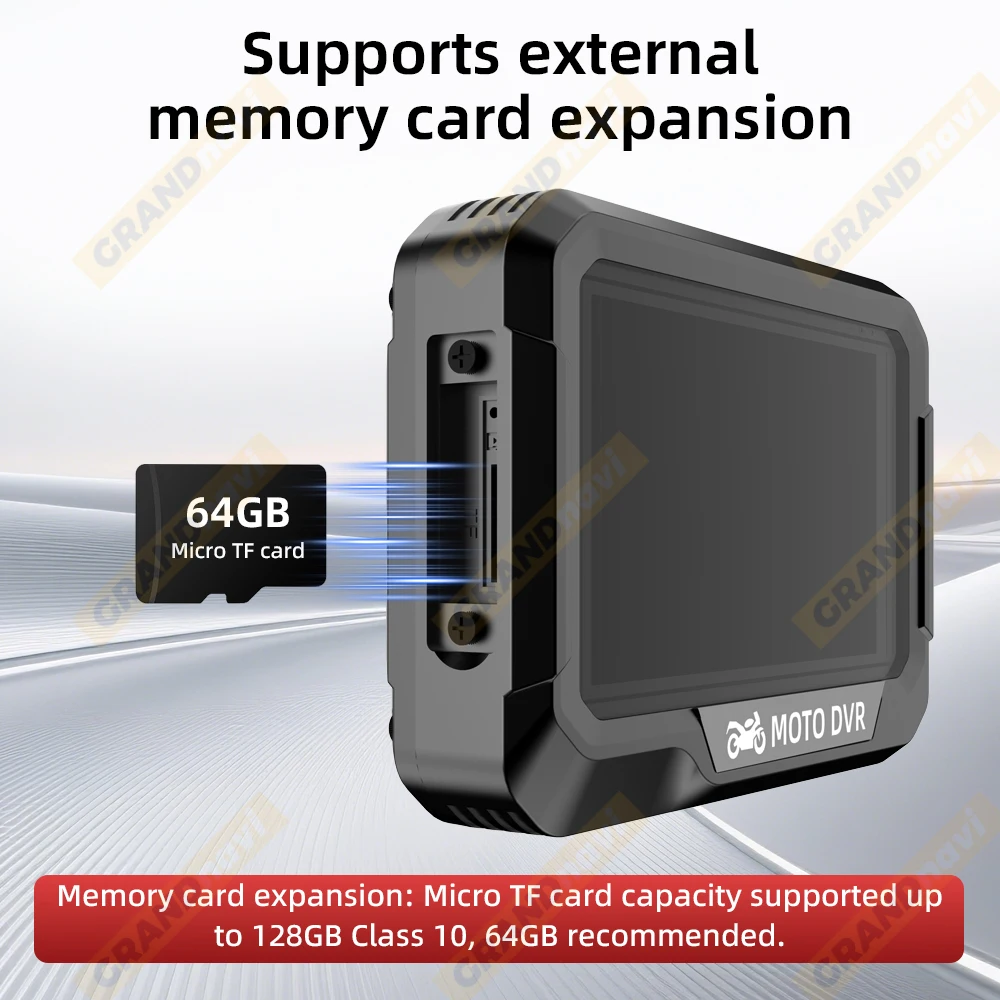
Max External Memory: 128G
Origin: Mainland China
Screen Size: 3.4inch
Waterproof Level: IPX7

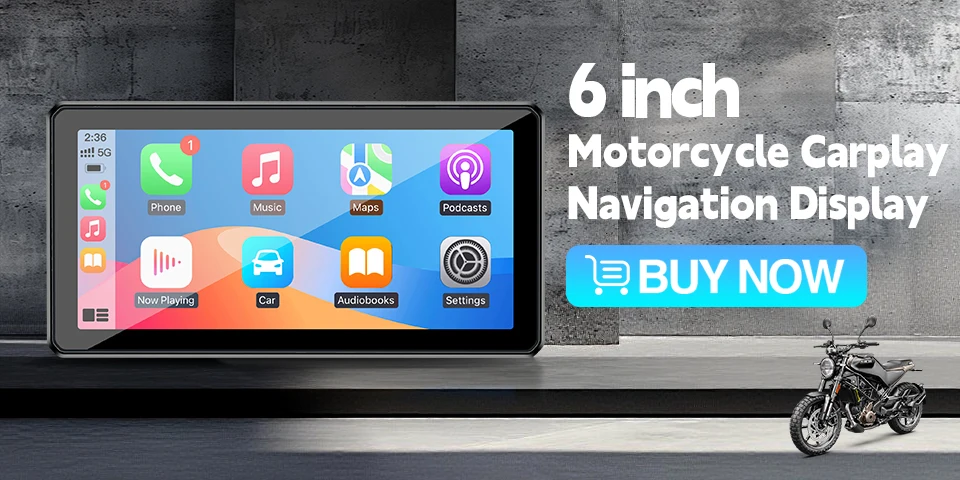

Specification:
*Processor type: V851S3 ARM Cortex-A7 1.0GHz
*Working current: 2.5A
*Power supply method: 12V power cord or 5V USB power cord
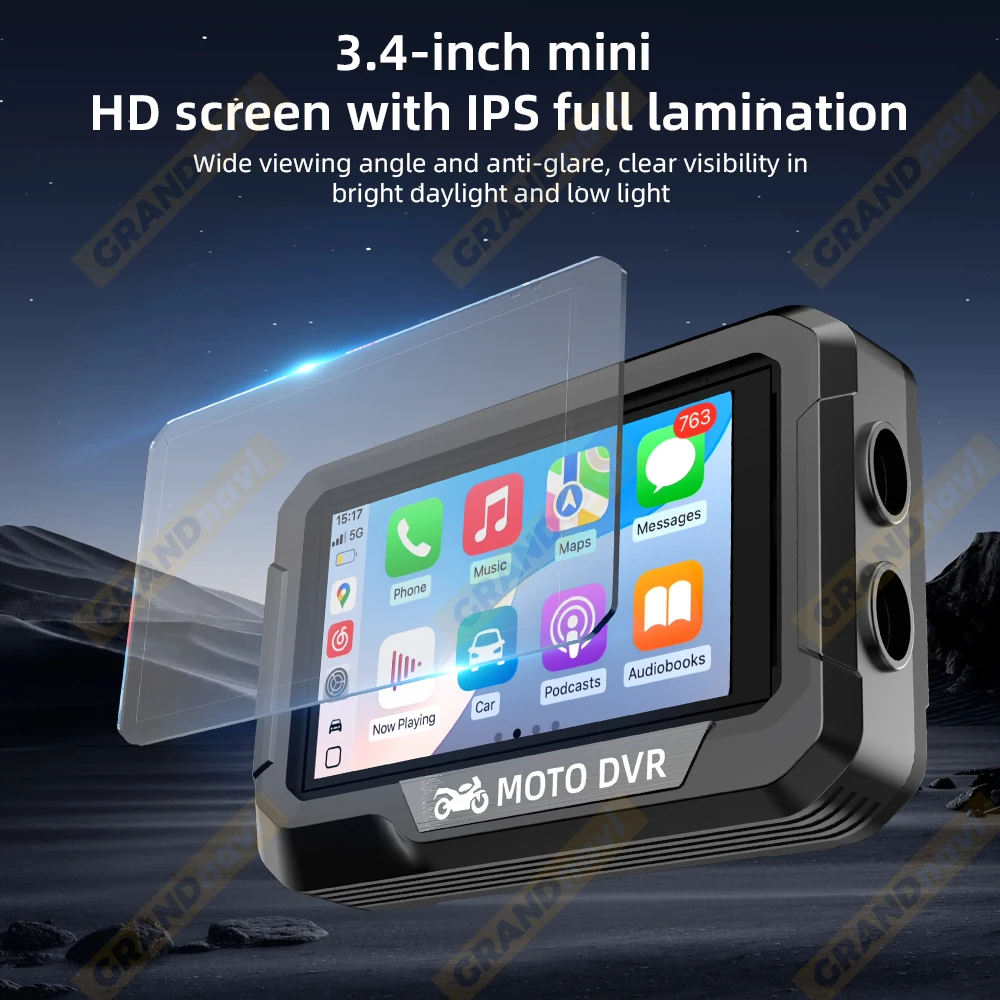
*Display screen: 3.4-inch IPS
*Display screen resolution: 640 * 360
*WIFI: Built in 2.4GHz 5.8GHz WIFI
*Bluetooth: Bluetooth 5.0
*Front camera video quality: 1920 * 1080P 30fps
*Rear camera video quality: 1920 * 1080P 30fps
*Video format: TS format storage
*Video encoding: H.264
*Image format: MJPEG
*Memory card expansion: Micro TF card capacity supported up to 128GB Class 10,64GB recommended,
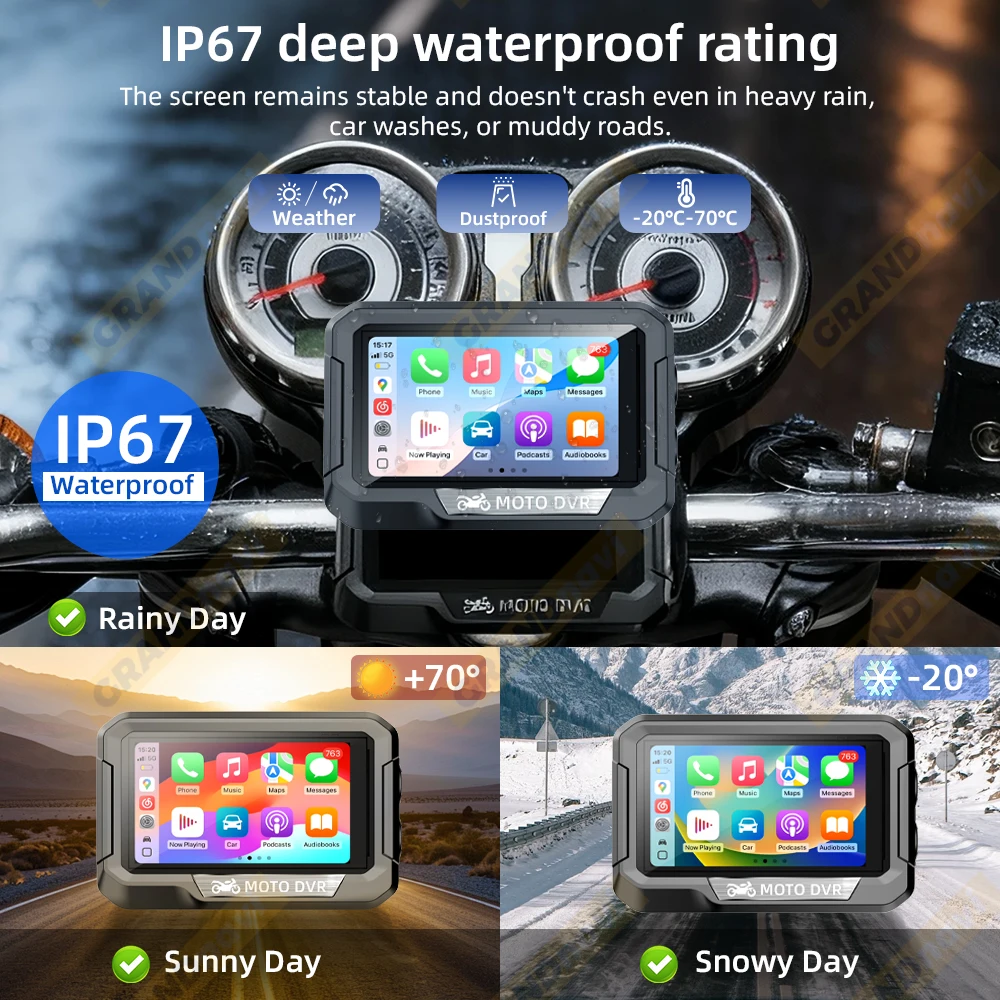
*Waterproof rating: IP67
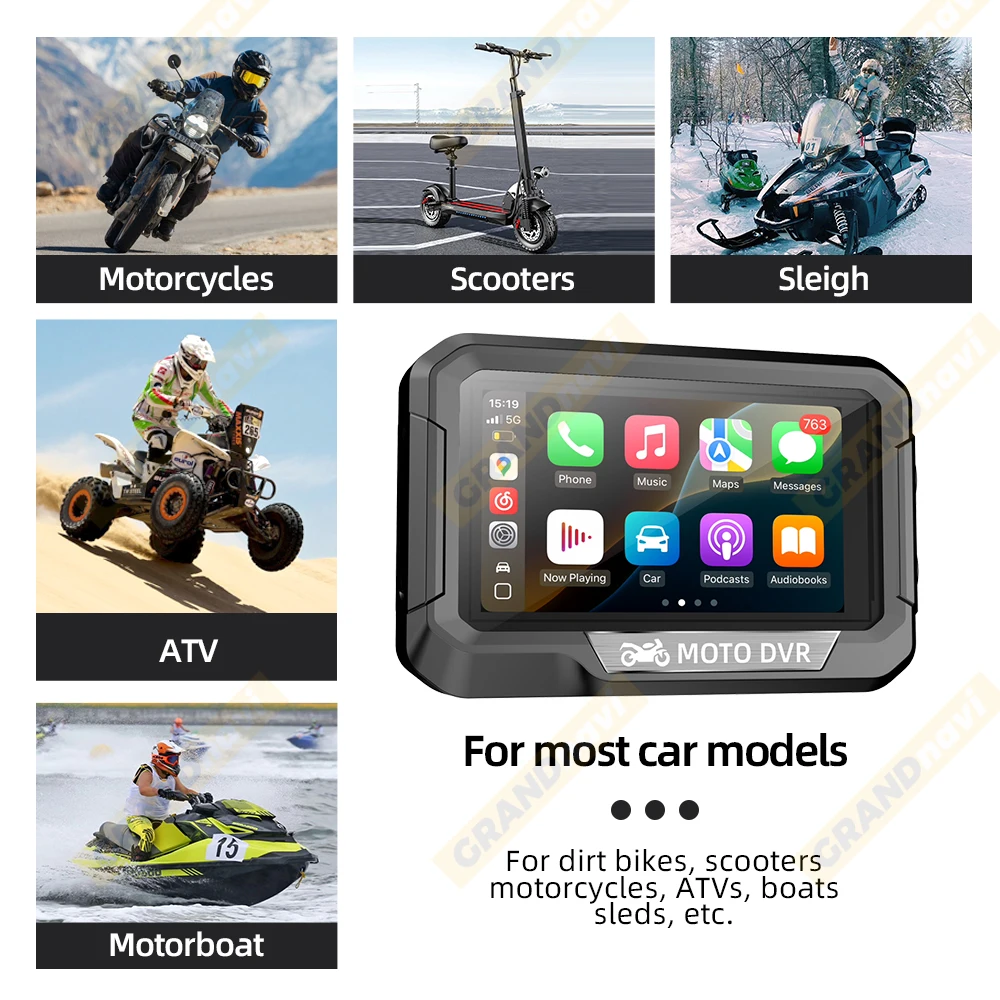
3.4inch mini size for most car models
IP67 waterproof Fit For All Riding Environments
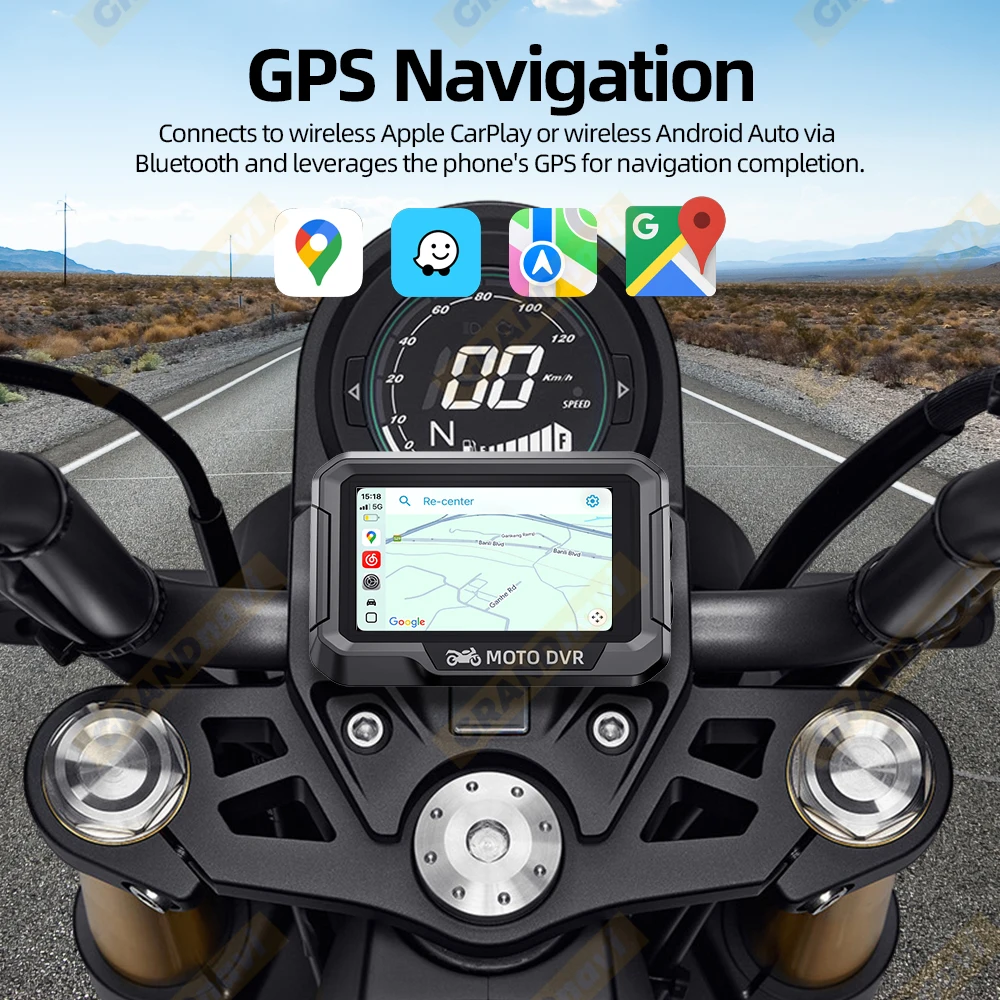
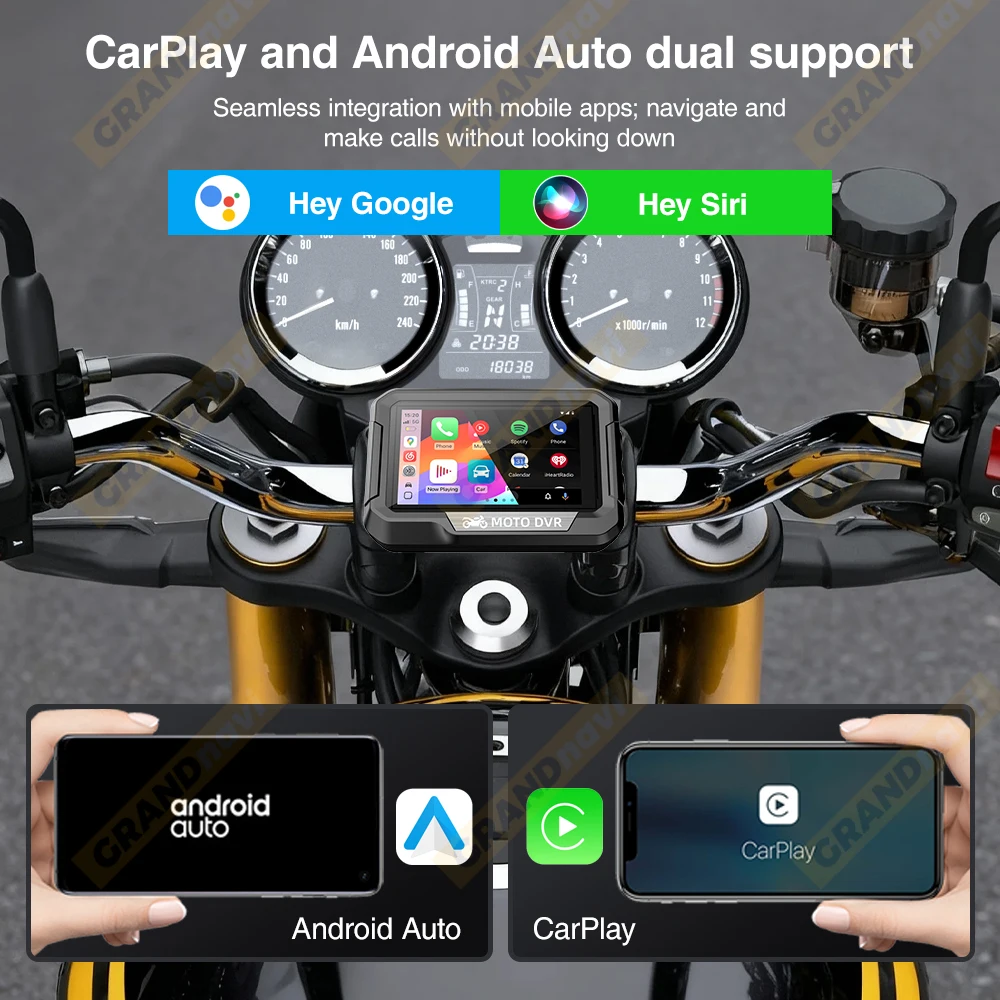
Support CarPlay/Android Auto
Real time navigation through CarPlay or Android Autoon mobile phones
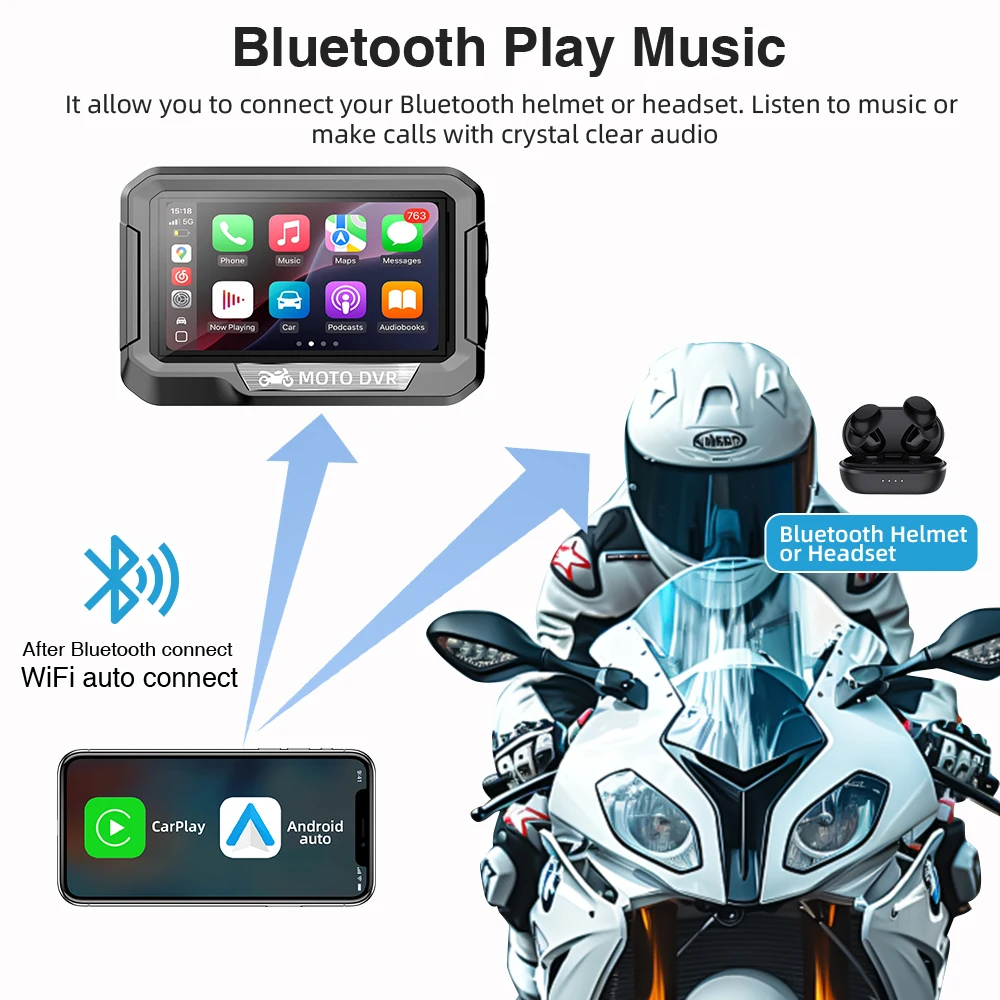
Bluetooth Play Music
It allow you to connect your Bluetooth helmet or headset. Listen to music ormake calls with crystal clear audio
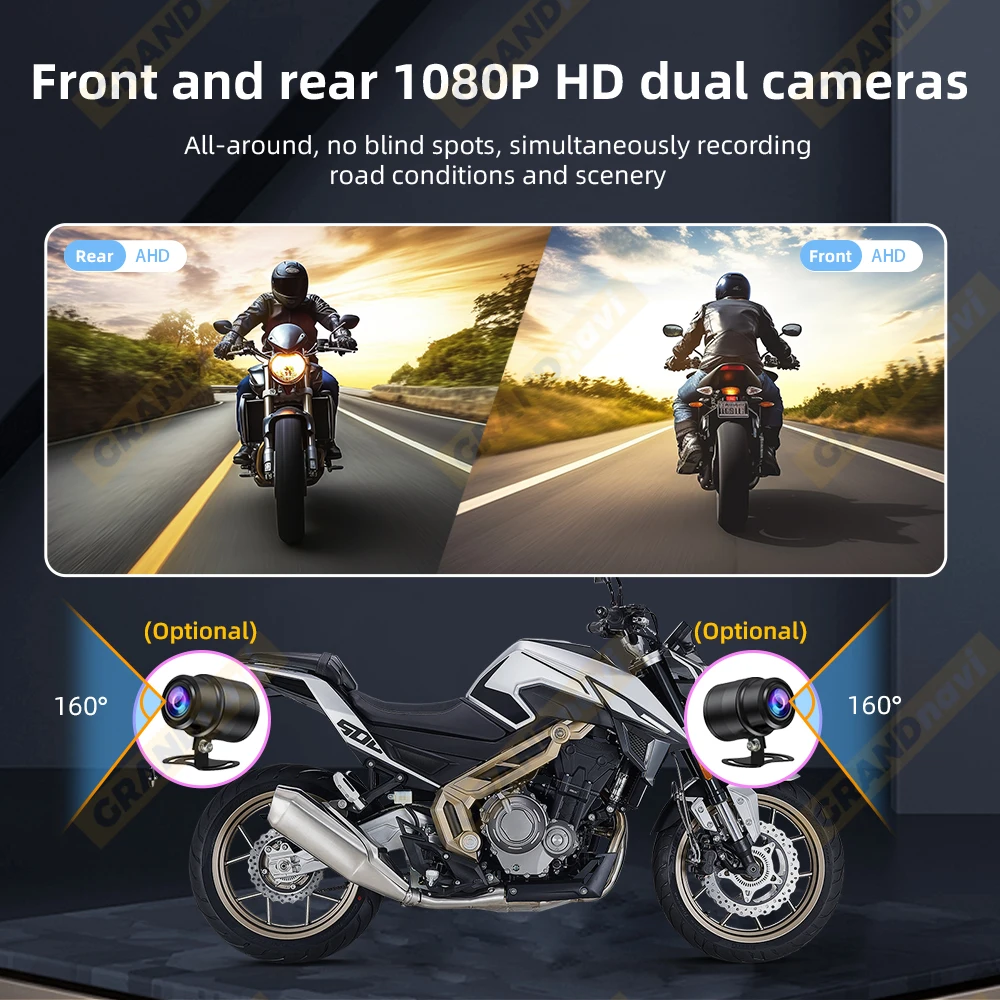
Dual Lens Driving Recorder
Front camera video quality: 1920 * 1080P 30fps
Rear camera video quality: 1920 * 1080P 30fps
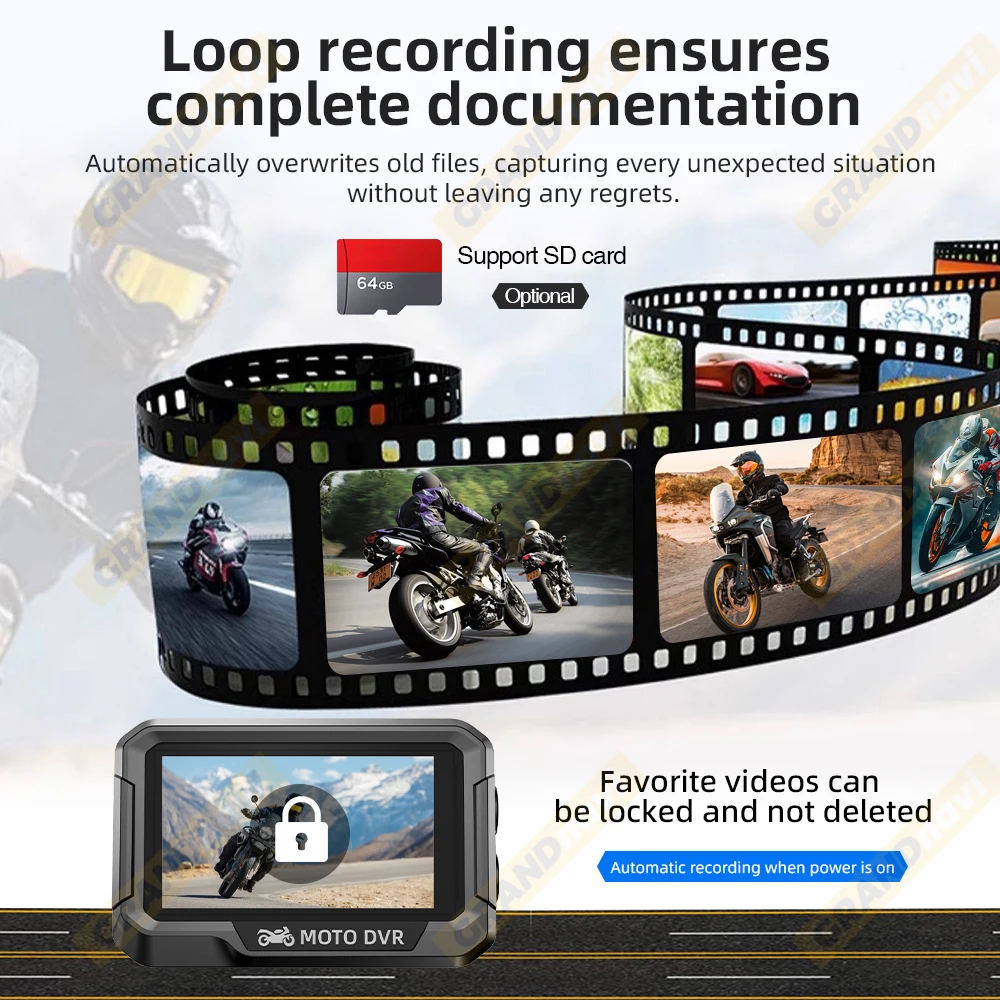
Automatic loop Recording
After the car computer is started, it will automatically loopthe video without dropping frames or missing seconds.When the card is full, it will automatically overwrite the earliest recorded file.
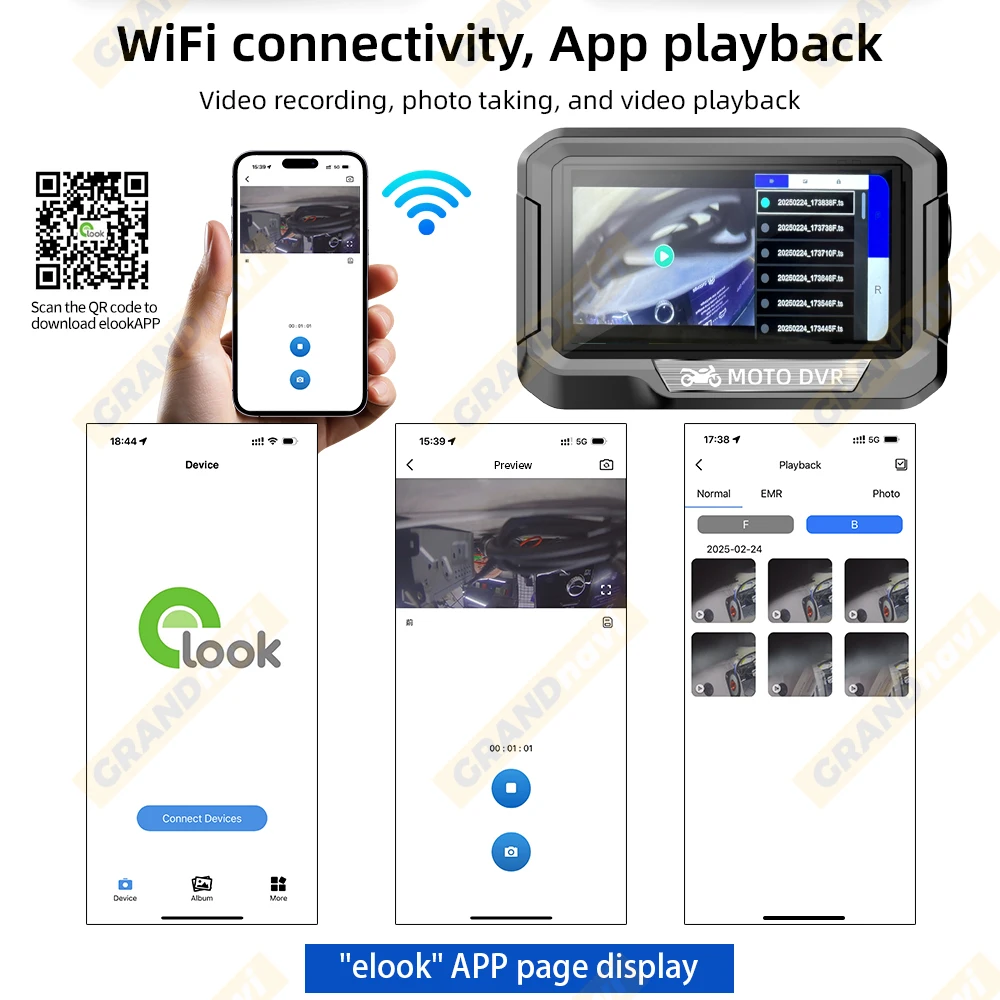
WiFi connectivity, App playback
APP installation requires following the following steps:
1: You need to use a mobile phone to install the app, which can be scanned or searched for installation.There are two ways as follows:Scan the QR code below directly to install, and make sure to select 'Allow' for the permission informationSearch for " elook "
2: Mobile phone successfully connected to device WiFi (WiFi name: DVR *****)After that, open the APP and click to connect to the recorder;
3: Using the APP: After successful connection, you can use various functions on the APP interface, such as recording, taking photos, and watching recorded videos.It should be noted that although some phones may support apps, this usually requires specific hardware configuration and support. Therefore, if your phone version is updated, there may be some features of the app that require you to pay attention to and wait for the latest version of the app to be released before using this technology
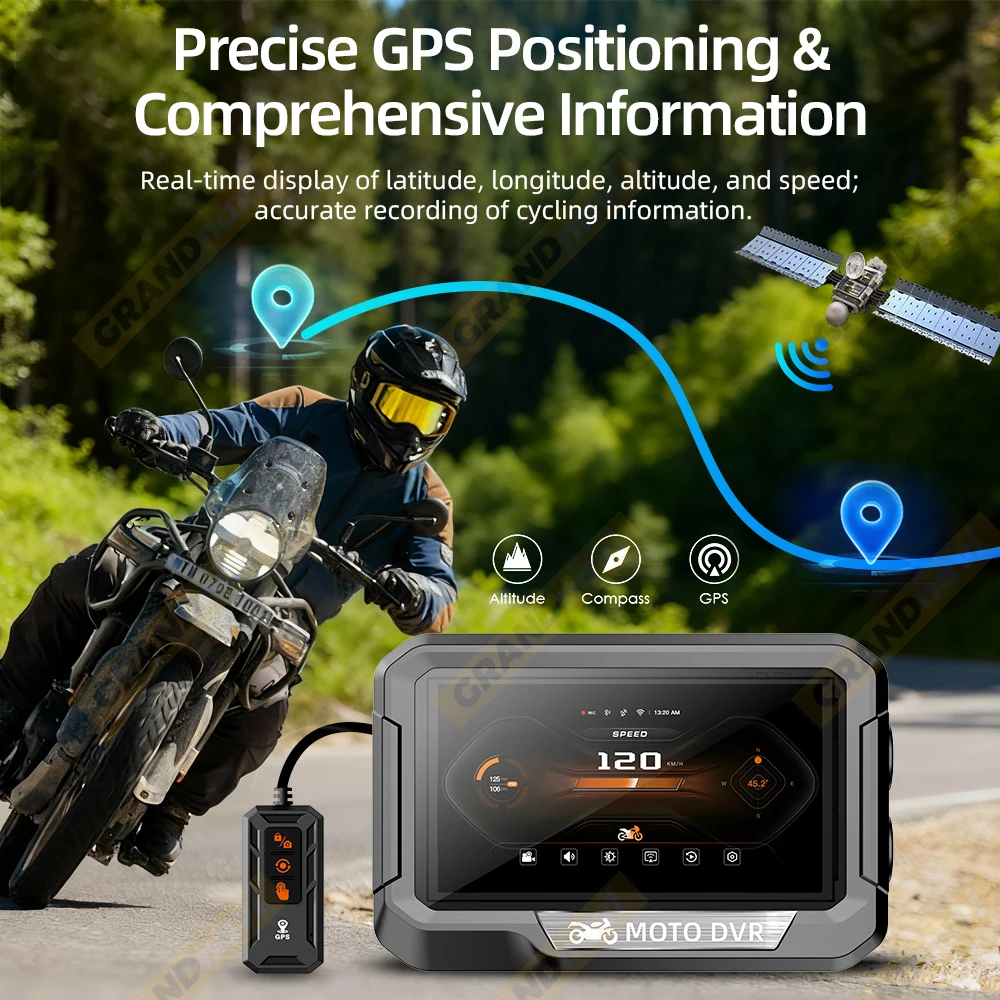
Precise GPS Positioning &Comprehensive Information
Attention: The direction and position based on the North (e.g. 45.2 ° North)
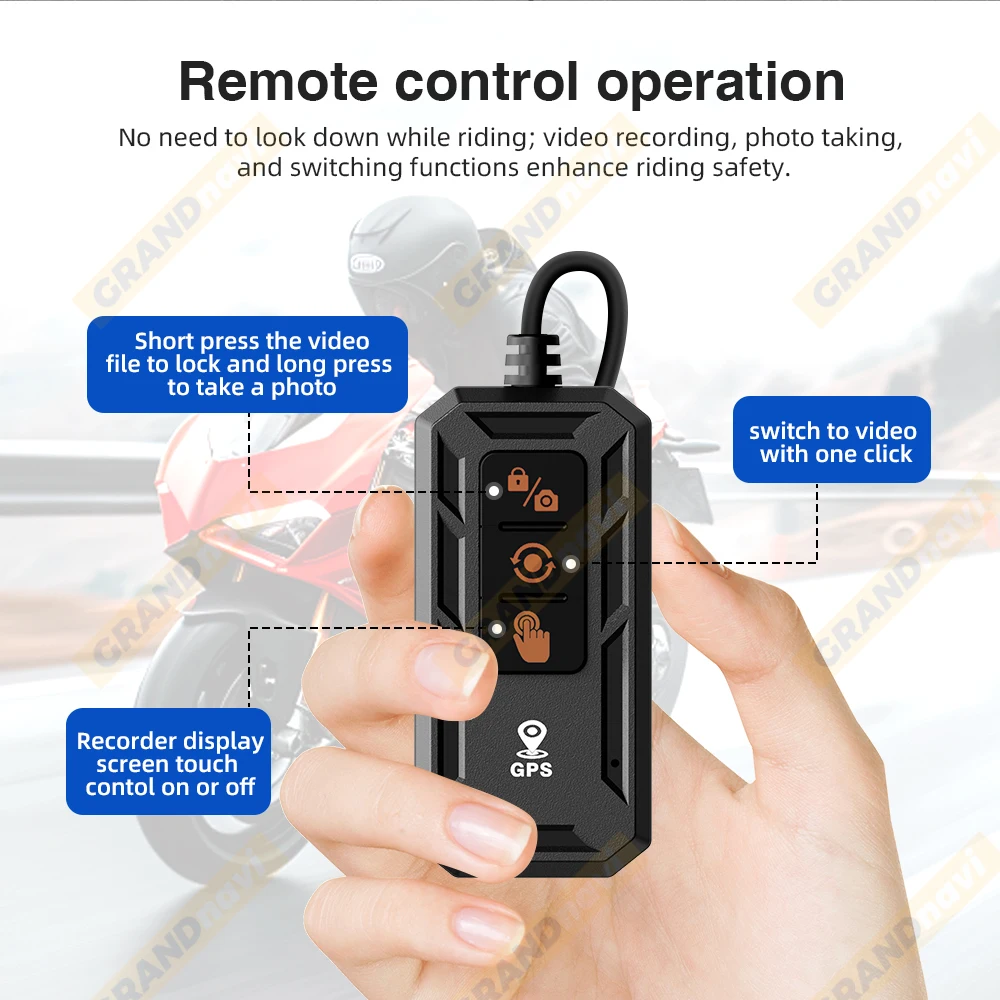
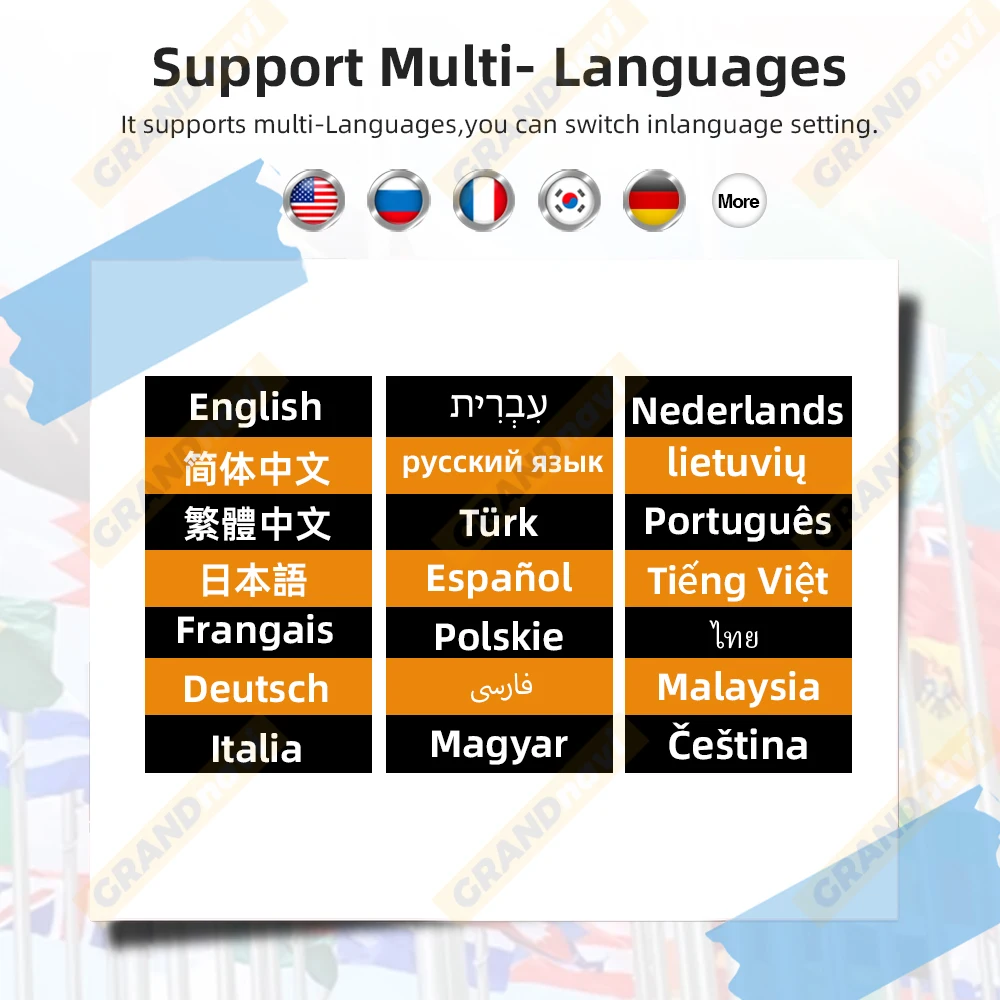
Support Multi-Languages
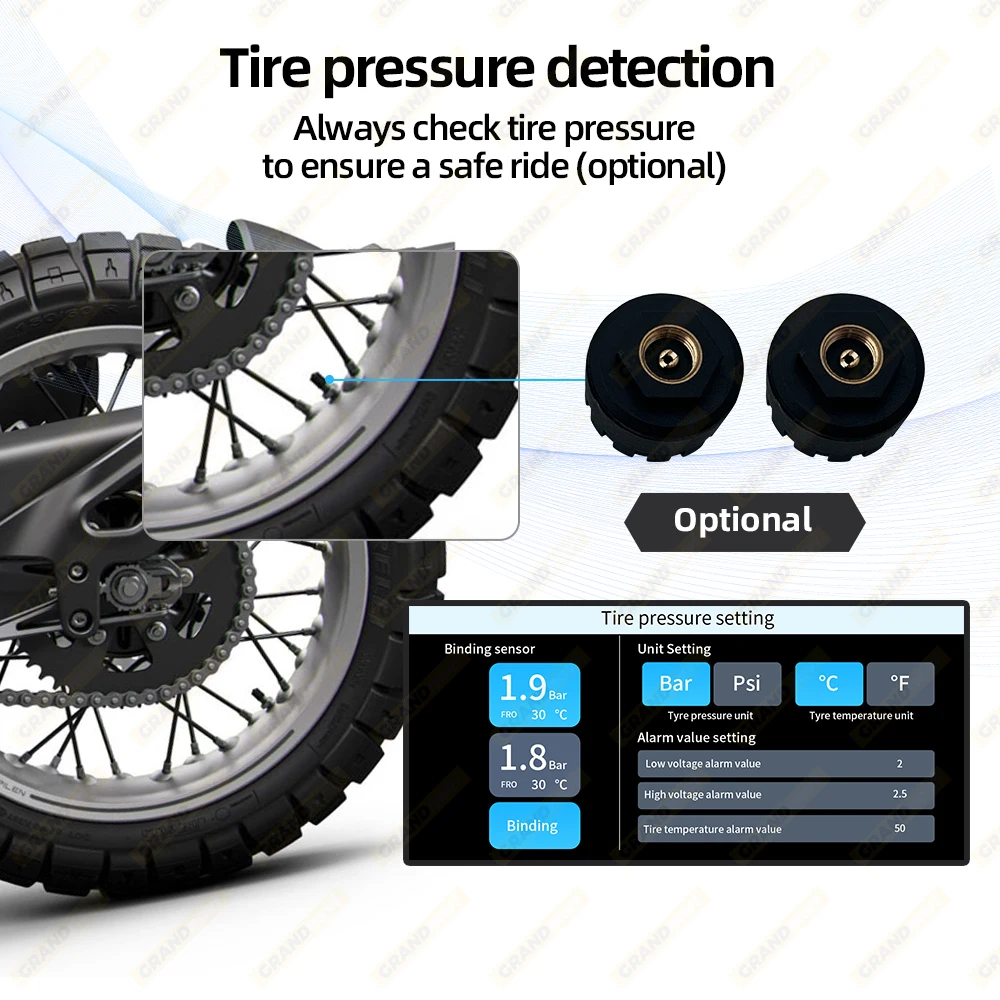
Tire pressure detection(optional)
TPMS pairing requires following the following steps:
1: Attention should be paid when pairing, click "Start", and then proceed to the nextstep of installing tire pressure;
2: Tire pressure pairing A corresponds to the front wheel (FRO), B corresponds tothe rear wheel (bac), click pairing.
3: Install the A tire pressure transmitter to the front wheels, pair the front wheels, andthen install the B tire pressure transmitter to the rear wheels. Reference: TirePressure (TPMS) Installation Guide
4: The low and high voltage alarm values can be adjusted through the "▲" symbol
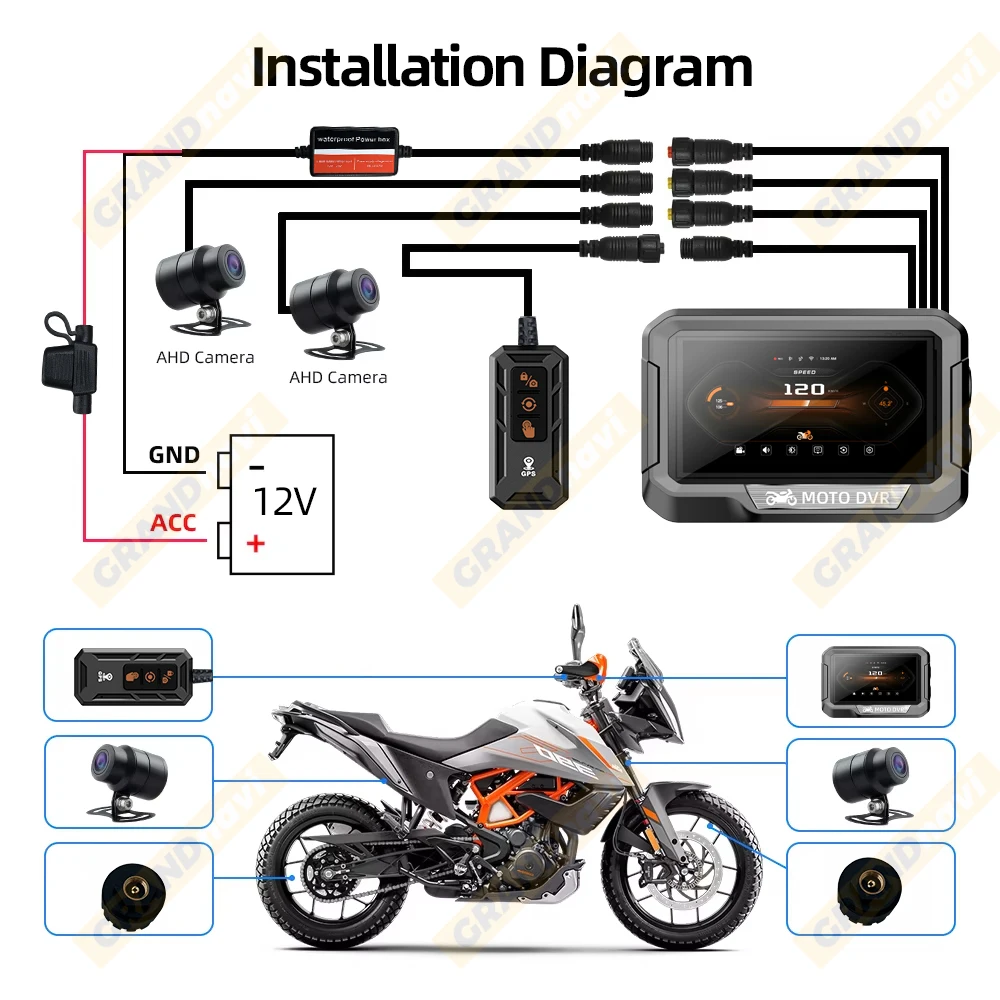
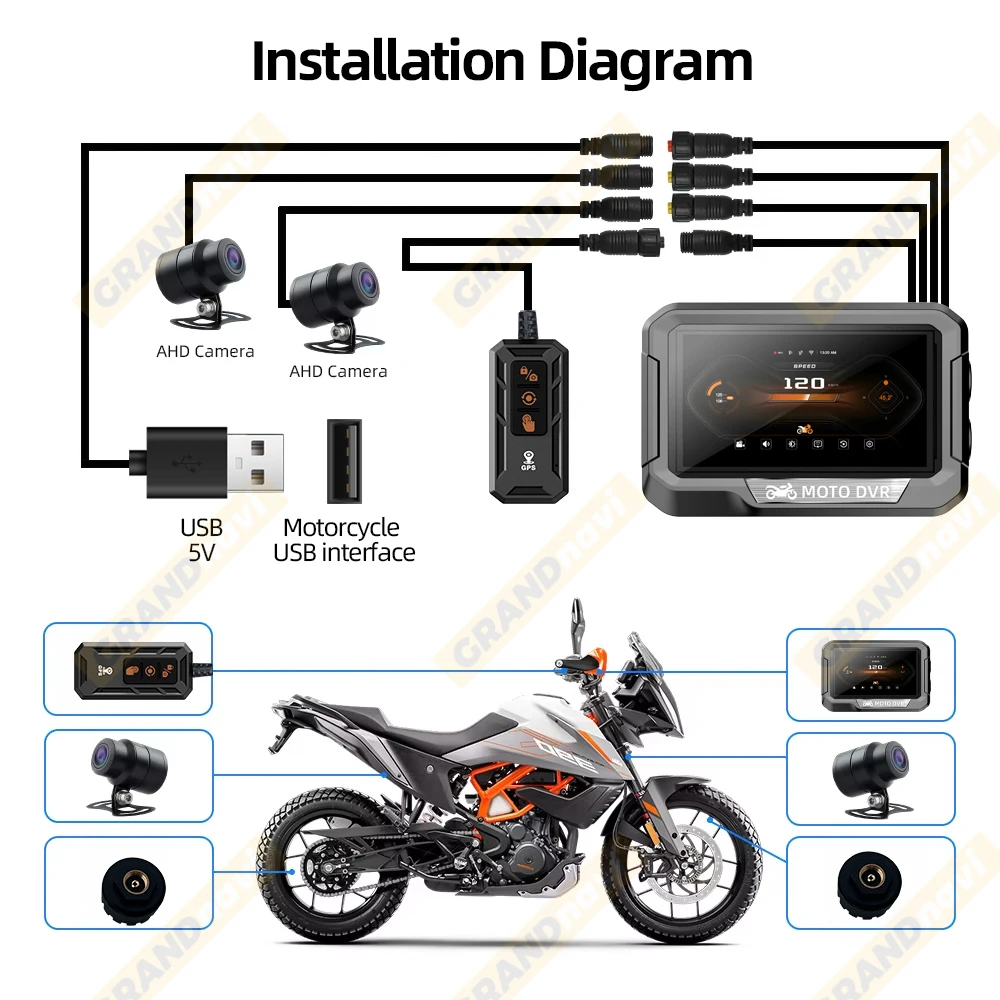
Installation Dagram
12V power cable
5V USB power cable
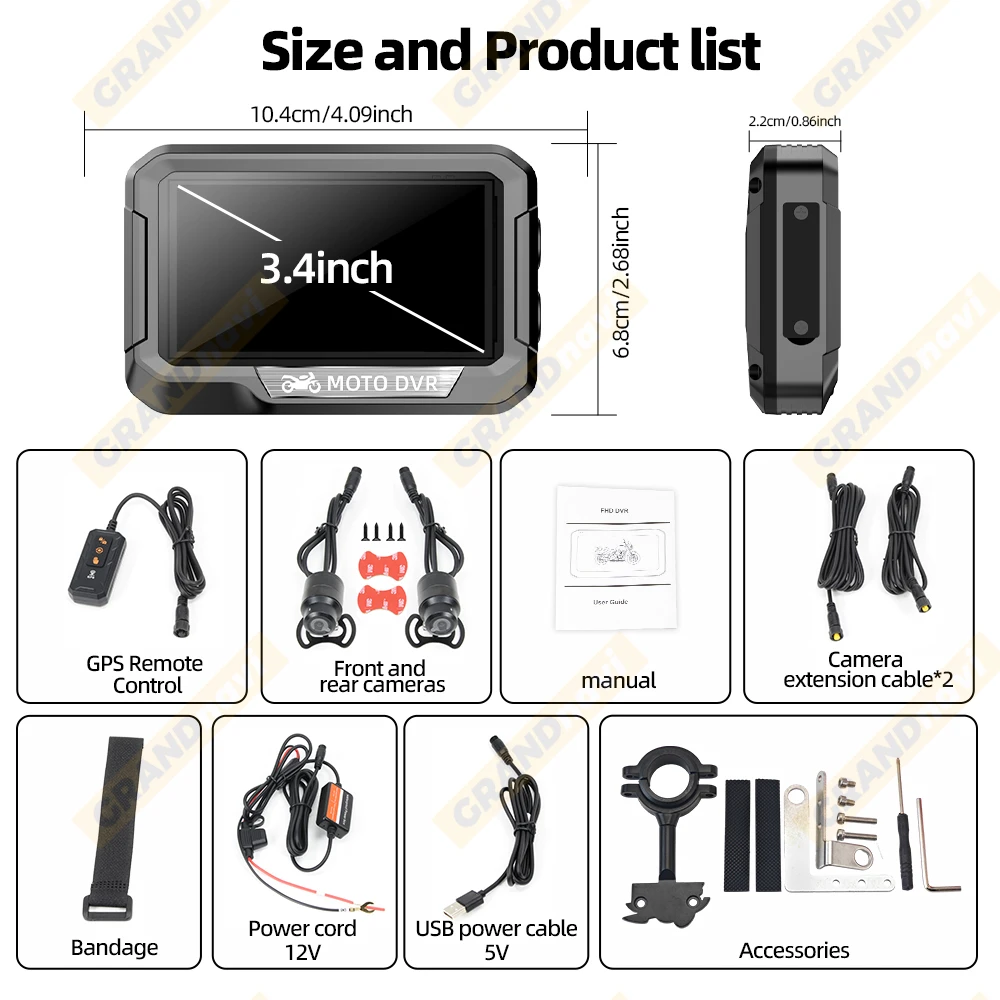
Size and Product list
Common problem explanation
Not turning on:
*Loose power cord;
*The vehicle voltage requirement is higher than 12V;
*Remove the memory card and eliminate any damage to the memory card;
*Is there strong compression on the red connector.
The camera has no image:
*Check if the voltage requirement is higher than 12V
*Detecting the use of USB power supply, requiring a power of 3A or 15W
*Check if each interface of the camera is properly plugged in.
The image shakes up and down:
*Loose fixed bracket;
*3M adhesive is not attached.
The screen suddenly shuts down:
*Set screen saver time or sleep mode.
TipS ACC OFF:
*Check for loose ACC power cord;
*When the vehicle is not started, the voltage is below 11.3-11.6V
Stuck piayback of video fiies:
*Replace different players to play
*Use Calss10 or higher memory cards
Carplay Open and Close:
How to disconnect Carplay/Android Auto/?
Answer: Apple/Android phones can simply turn off WiFi or ignore the Bluetooth.
How to reconnect CarPlay/Android Auto after manually disconnecting it?
Answer: Simply tap Bluetooth again on your phone to connect to the machine.
How to connect CarPlay and Android Auto after shutting down and restarting the machine?
Answer: lf the phone has been connected to a machine, it will automatically reconnect when Bluetooth and WiFi are turned on.
Carplay+APP link:
How to use the mobile app when connecting to Carplay?
Answer: When connecting to Caplay, Bluetooth connection is ignored on the phone in order to enter the app for wireless control